




WorkCentre 6505DN
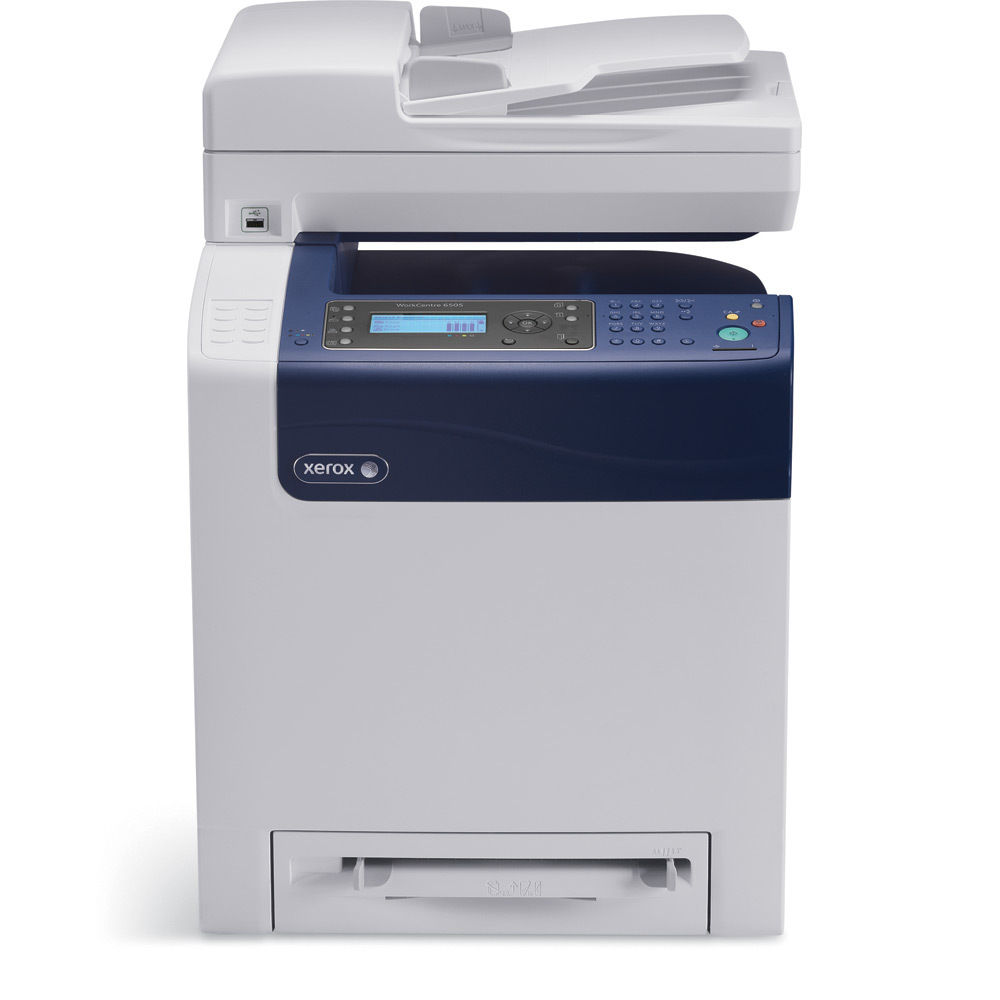
The Xerox WorkCentre 6505DN covers print, copy, scan and fax in one multifunction system, with duplex and finishing options that help offices produce polished documents in-house. For longer runs between orders it takes the high-yield range: black 106R01597, cyan 106R01594, magenta 106R01595 and yellow 106R01596, matched to offices that duplex and finish documents in volume. Each color is a separate cartridge, changed on its own schedule.
Duplex changes the economics of a shared machine: two-sided documents halve the paper pile, but the toner still has to cover every printed side. A 6505DN that finishes reports in-house is doing production work, and production work rewards bigger cartridges. The high-yield range turns toner from a weekly errand into an occasional one, which is the right rhythm for a machine other people depend on.
Toner Cartridges for WorkCentre 6505DN
| Cartridge | Color | Page Yield |
|---|---|---|
| 106R01597 | Black | High yield — see product page |
| 106R01594 | Cyan | High yield — see product page |
| 106R01595 | Magenta | High yield — see product page |
| 106R01596 | Yellow | High yield — see product page |
| High Yield 4 Color Set | All four colors | See product page |
| High Yield 4 Color Set — model-specific listing | All four colors | See product page |
| Premium Quality High Yield 4 Color Set | All four colors | See product page |
Which cartridge should you buy?
This page lists the high-yield range only, and for a duplexing multifunction that is the sensible default: more toner per slot, fewer stops, and a lower cost per printed side over the cartridge's life. Black is the fastest-moving cartridge in most offices, so the practical stock is a spare black plus colors ordered as they report low — each color is sold individually and can be changed without touching the others. When all four are due together, the model-named high-yield set (also available in a premium-grade listing) covers the full change in one order. All compatible cartridges here come with a 1-year warranty and 1-year returns.
Chip, toner and everyday use
Two-sided printing does not change how a cartridge is installed — the same four units serve every job the machine runs. Seat each replacement until it clicks and confirm the machine has registered it before sending a long duplex run. Output that fades on long jobs usually means one cartridge is nearly out; rocking it gently side to side levels the toner and often finishes the run cleanly. Store spares sealed and flat, and keep them out of direct sunlight — heat is toner powder's enemy long before it reaches the printer.
Frequently Asked Questions
Which cartridges does the WorkCentre 6505DN take?
The high-yield set: 106R01597 black, 106R01594 cyan, 106R01595 magenta and 106R01596 yellow. Each is an individual cartridge.
Does duplex printing need different toner?
No. Duplexing changes how paper moves through the machine, not which cartridges it uses. The same four high-yield cartridges cover single- and two-sided work.
My prints are fading but the cartridge is not empty. What helps?
Remove the fading color's cartridge and rock it gently side to side to redistribute the toner, then reinstall it. If output stays pale after that, the cartridge is genuinely near its end.
Is there a set that replaces all four cartridges at once?
Yes — the high-yield 4 Color Set listings on this page bundle the full set, including one listed under this model's name and a premium-grade option.
More printers that use the same cartridges
Same cartridges, wider family — these models use them too: Phaser 6500, Phaser 6500DN, Phaser 6500N, Phaser 6505, Phaser 6505DN, Phaser 6505N, WorkCentre 6505, WorkCentre 6505N.