




WorkCentre 6505N
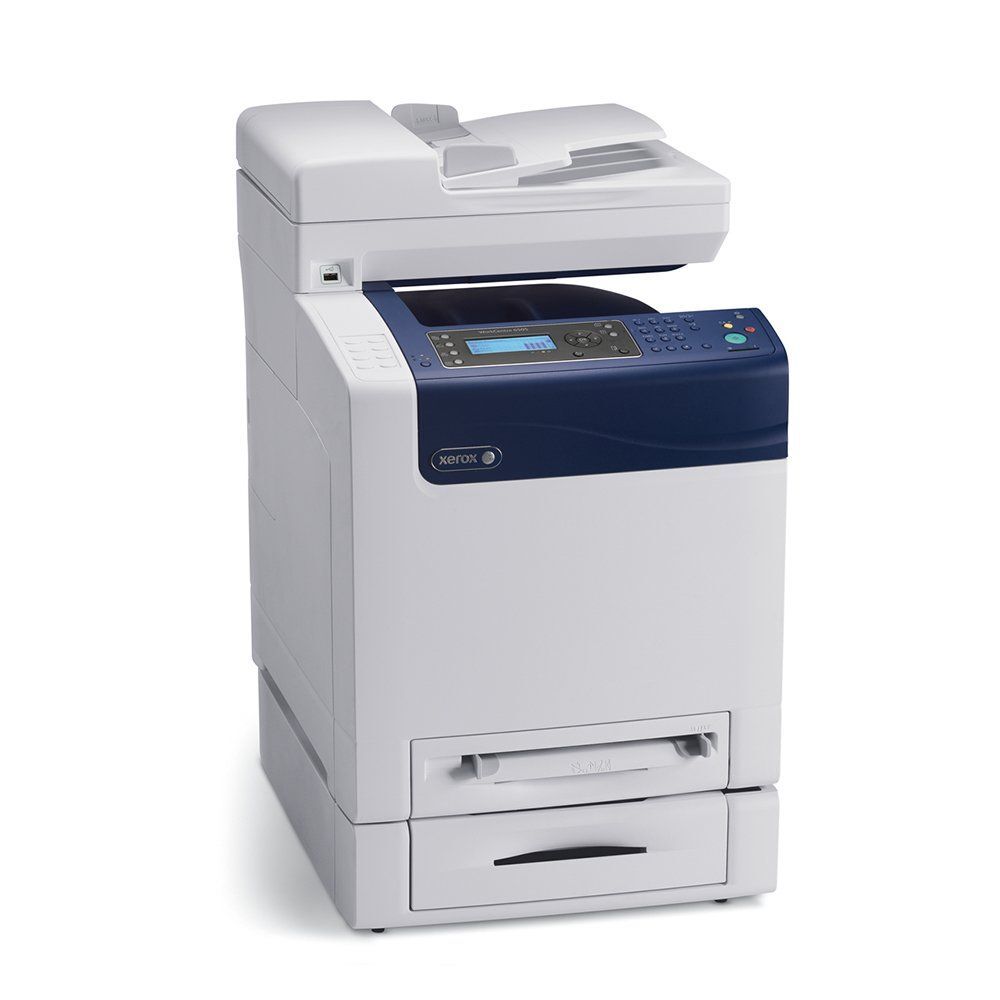
The Xerox WorkCentre 6505N is a multifunction system covering print, copy, scan and fax, in a footprint that fits comfortably in crowded office spaces. It accepts a high-yield cartridge in every slot — black 106R01597 alongside cyan 106R01594, magenta 106R01595 and yellow 106R01596 — a sensible upgrade for a multifunction unit that rarely sits idle. The listings below are that high-yield range, each color sold as its own cartridge.
Small footprint, big job: a 6505N usually lands in the corner of a busy room and quietly absorbs the whole team's printing, copying and scanning. Machines like that do not get a light schedule, so the cartridge plan should assume constant use. High-yield fills in all four slots stretch the gaps between changes, which matters when the nearest supply drawer is down the hall.
Toner Cartridges for WorkCentre 6505N
| Cartridge | Color | Page Yield |
|---|---|---|
| 106R01597 | Black | High yield — see product page |
| 106R01594 | Cyan | High yield — see product page |
| 106R01595 | Magenta | High yield — see product page |
| 106R01596 | Yellow | High yield — see product page |
| High Yield 4 Color Set | All four colors | See product page |
| High Yield 4 Color Set — model-specific listing | All four colors | See product page |
| Premium Quality High Yield 4 Color Set | All four colors | See product page |
Which cartridge should you buy?
For a machine that rarely sits idle, the choice on this page is simple: the high-yield cartridge in each slot. Bigger fills mean each replacement lasts longer and the cost per page falls, and there is no downside in lighter weeks — an unused cartridge simply waits. Black empties first in most offices, so keep the spare black closest to the machine; the three colors are individual cartridges, replaced one at a time as each runs down. A full set listing is here for the day all four come due together. Compatible cartridges on this page are covered by a 1-year warranty and 1-year returns.
Chip, toner and everyday use
A unit that rarely sits idle gives few natural breaks for maintenance, so build the habit around the low-toner warning: order the replacement when the warning appears, not when pages start coming out pale. When the swap happens, rock the new cartridge gently side to side first, seat it until it clicks, and let the machine register it. Toner yields are estimates at roughly 5% coverage — real life, with scanned forms and color handouts mixed in, will differ. Keep the next cartridge sealed, stored flat and somewhere cool.
Frequently Asked Questions
What toner does the WorkCentre 6505N use?
A high-yield cartridge in each slot: black 106R01597, cyan 106R01594, magenta 106R01595 and yellow 106R01596.
Does the 6505N take the same cartridges as the 6505DN?
Yes — the two models share this cartridge family; the WorkCentre 6505DN page and this one draw on the same four high-yield cartridges.
How do I tell which color is running low?
The machine reports low toner by color, and the output agrees — fading in a single color points at that cartridge. Match its code from the table above when you reorder.
Are standard-capacity cartridges listed here?
This page stocks the high-yield range, which suits a unit in constant use. The four codes above are the ones to order for this machine.
More printers that use the same cartridges
These cartridges also fit the other members of the 6500/6505 family: Phaser 6500, Phaser 6500DN, Phaser 6500N, Phaser 6505, Phaser 6505DN, Phaser 6505N, WorkCentre 6505, WorkCentre 6505DN.