




SCX-5637FN
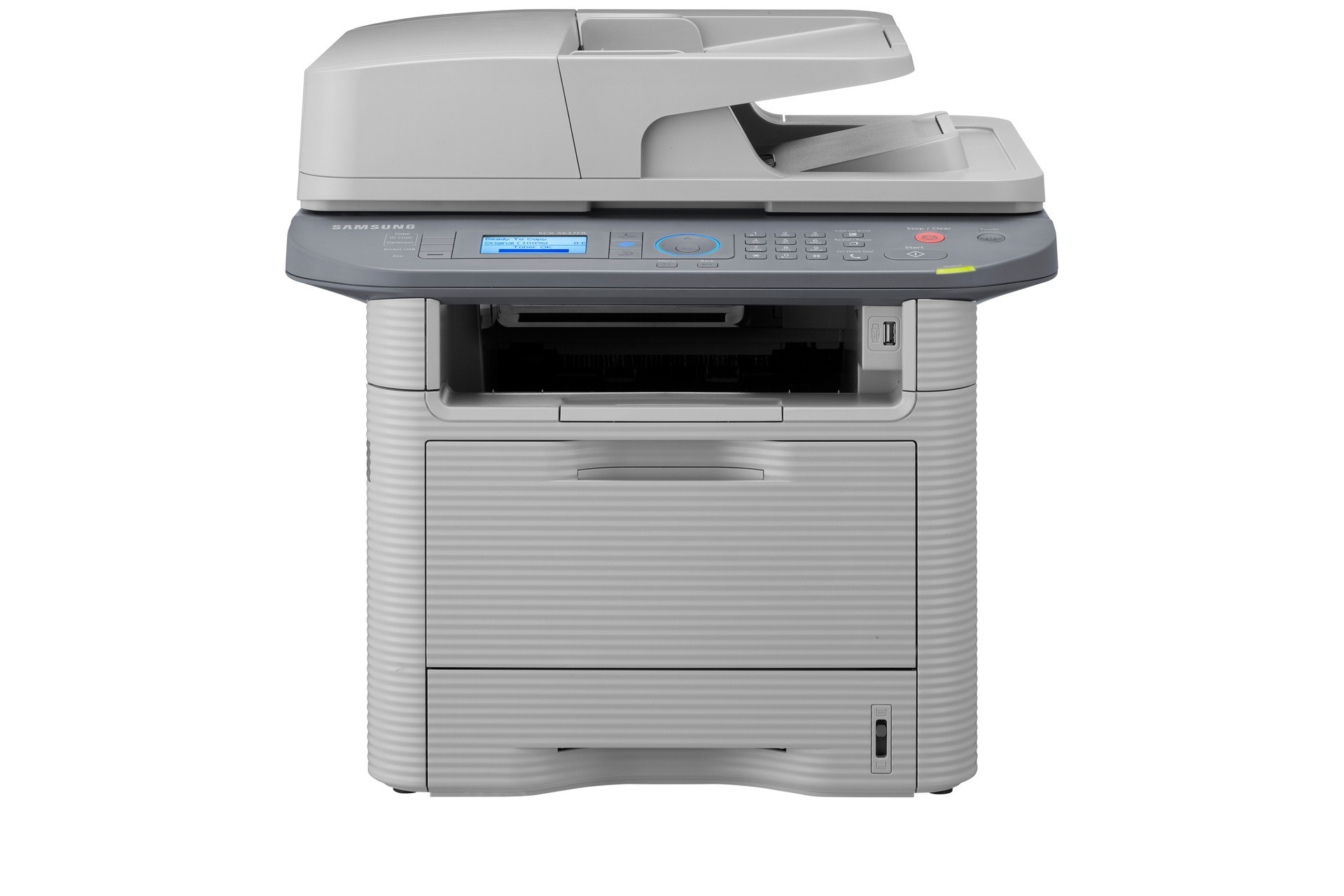
The Samsung SCX-5637FN pairs fax with Ethernet networking, making it the 5637 variant built for offices that fax and share one printer across the whole network. Its cartridge ladder climbs from the standard-yield MLT-D205S, through the high-yield MLT-D205L, to the extra-high-yield MLT-D205E — all stocked below as compatibles, with multipacks, a MICR version of the high-yield cartridge, and listings sold under the SCX-5637FN name.
Putting a multifunction on the network changes its toner mathematics. Users multiply, queues lengthen, and nobody feels personally responsible for the supply level. This is the variant where a deliberate cartridge plan — the right rung, a spare in reserve, a reorder habit — quietly saves the office from its most avoidable stoppage.
Toner Cartridges for SCX-5637FN
- MLT-D205S — standard-yield single — black cartridge; rated yield is listed on the product page.
- MLT-D205L — high-yield single — black cartridge; rated yield is listed on the product page.
- MLT-D205L — high-yield 2 pack — black cartridge; rated yield is listed on the product page.
- MLT-D205L — high-yield 3 pack — black cartridge; rated yield is listed on the product page.
- MLT-D205E — extra-high-yield single — black cartridge; rated yield is listed on the product page.
- MLT-D205L — MICR version, for check printing — black cartridge; rated yield is listed on the product page.
- MLT-D205L — premium high-yield 5 pack — black cartridge; rated yield is listed on the product page.
- SCX-5637FN — high-yield single, sold under the printer's name — black cartridge; rated yield is listed on the product page.
- SCX-5637FN — high-yield 5 pack, sold under the printer's name — black cartridge; rated yield is listed on the product page.
Which cartridge should you buy?
Most SCX-5637FN offices take the middle step. The MLT-D205L is the rung offices move to when the standard cartridge starts turning over too quickly under shared use — and on a networked machine that moment arrives sooner than anyone expects. Start there if your volume is still unknown. If the queue is long all day and the whole office prints through this one device, the MLT-D205E stretches the change interval furthest and brings cost per page to its floor. Keep the MLT-D205S for a genuinely quiet installation. Multipack listings of the high-yield cartridge reduce the reorder errand to once a quarter for most offices.
Chip, toner and everyday use
Shared machines reward small disciplines. Keep the spare sealed beside the printer so whoever hits the empty warning can complete the swap in minutes, and reorder the moment the spare goes in. When installing, remove the sealing tape fully and seat the cartridge until it clicks; the printer's chip check then confirms the new supply to everyone on the network. Rock a fading cartridge gently before condemning it — settled toner is not spent toner. Rated yields assume 5% page coverage, and dense shared-office output will run ahead of the estimate. Compatible cartridges here carry a 1-year warranty and 1-year returns.
Frequently Asked Questions
Should I hold off on firmware updates for the SCX-5637FN because I use compatible toner?
There is no need to freeze the printer in time. Using a compatible cartridge does not by itself void the printer's warranty, and keeping firmware current is generally good practice for a networked device. If an update ever coincides with a recognition hiccup, reseat the cartridge and confirm its code before assuming the two are connected.
How is the SCX-5637FN different from the F variant, and does it matter for toner?
The FN adds Ethernet networking to the fax-equipped SCX-5637F — it is the shareable version of the same machine. For toner it does not matter at all: both take the same MLT-D205S, MLT-D205L and MLT-D205E cartridges, so an office running both variants needs only one toner stock.
Several people share this printer — which cartridge cuts the admin to a minimum?
The extra-high-yield MLT-D205E, or the high-yield MLT-D205L bought as a multipack. Both stretch the interval between orders and swaps, which is the whole admin burden on a shared machine. Pair the choice with a sealed spare beside the printer and a reorder-when-the-spare-goes-in habit, and toner stops generating tickets.
Can I check the toner level without walking to the printer?
Yes — a networked multifunction reports its status, including toner level, through the driver and status utilities on connected computers, as well as on its own control panel. Checking before a big shared print run is a thirty-second habit that prevents the mid-job empty.
More printers that use the same cartridges
One shared stock can cover every Samsung MLT-D205 machine in the office — the family also includes: SCX-5637FR, SCX-5637HR, SCX-5639, SCX-5639FR, SCX-5639HR, SCX-5737, SCX-5737FW, SCX-5739, SCX-5739FW, Samsung-MLTD205, ML-3310, ML-3310D, ML-3310ND, ML-3312, ML-3312D, ML-3312ND, ML-3710, ML-3710D, ML-3710DW, ML-3710ND, ML-3712, ML-3712D, ML-3712DW, ML-3712ND, SCX-4833, SCX-4833FD, SCX-4833FR, SCX-4833HD, SCX-4835, SCX-4835FD, SCX-4835FR, SCX-4835HD, SCX-5637, SCX-5637F.