




SCX-5637FR
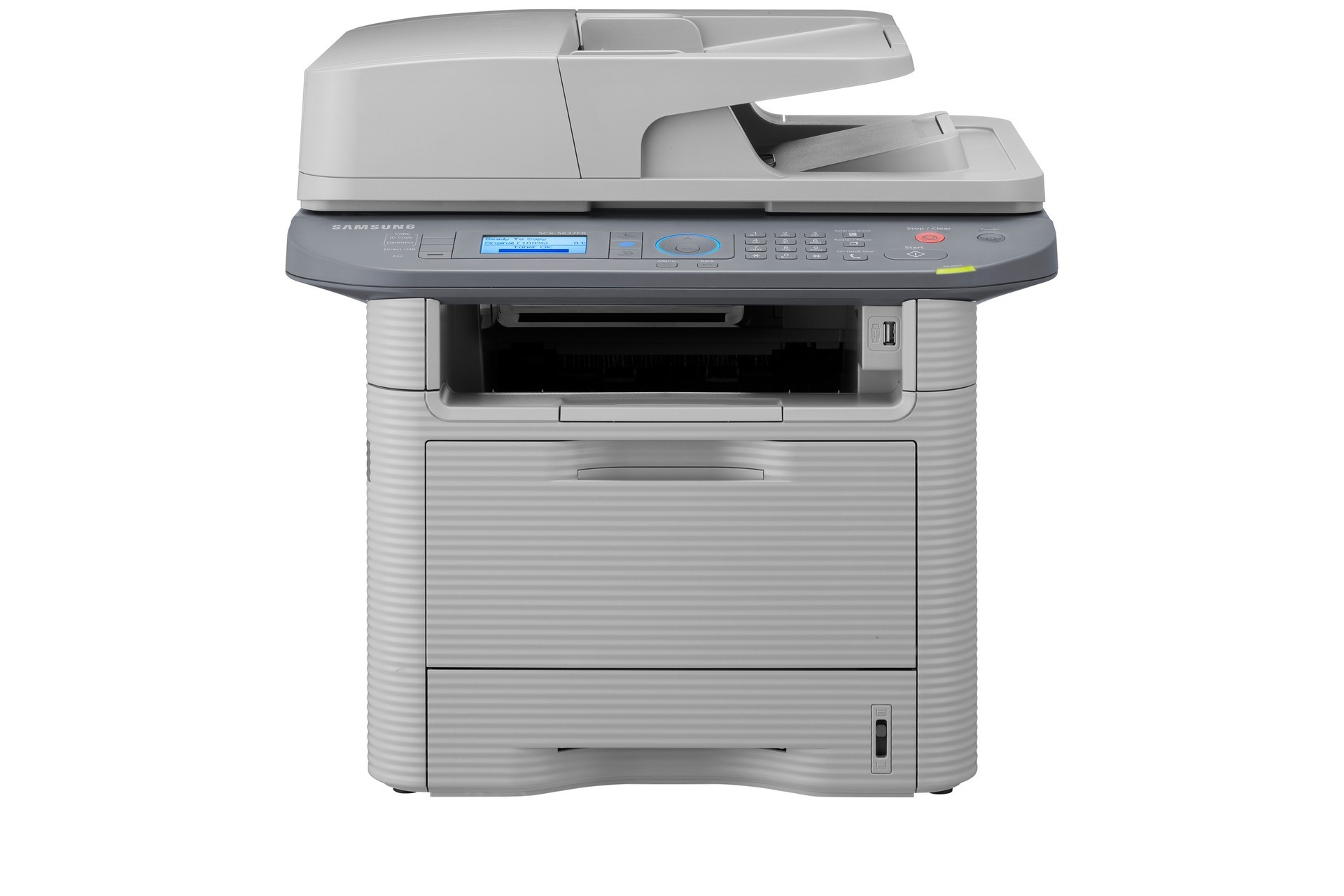
Fax still matters in plenty of regional offices, and the Samsung SCX-5637FR is the fax-equipped regional variant of the 5637 workgroup multifunction, matching the networked FN version on capability while running regional firmware. Everything it prints, copies, scans or faxes comes from one black cartridge family: the MLT-D205S standard cartridge, the MLT-D205L high-yield cartridge or the MLT-D205E extra-high-yield cartridge. All three fit the same slot, so the only real decision is how much toner you want loaded between changes.
A regional office usually runs this machine as its document hub: incoming faxes, scanned forms heading to head office and the everyday print queue all pass across the same engine. That mixed duty is exactly what this cartridge family was built around — one design covering Samsung's whole mid-range workgroup line, so a spare ordered for this unit can rescue several of its relatives in a pinch. The full list of models sharing the cartridge sits at the bottom of this page, which makes it easy to check compatibility before you borrow a cartridge from the next office over.
Toner Cartridges for SCX-5637FR
| Cartridge | Color | Page Yield |
|---|---|---|
| MLT-D205S Laser Toner Cartridge Black | Black | See product page |
| MLT-D205L High Yield Laser Toner Cartridge Black | Black | See product page |
| MLT-D205E Extra High Yield Laser Toner Cartridge Black | Black | See product page |
| MLT-D205L High Yield Laser Toner Cartridge Black 2 Pack | Black | See product page |
| MLT-D205L High Yield Laser Toner Cartridge Black 3 Pack | Black | See product page |
| MLT-D205L High Yield MICR Laser Toner Cartridge Black | Black | See product page |
| MLT-D205L Premium Quality High Yield Laser Toner Cartridge Black 5 Pack | Black | See product page |
| SCX-5637FR High Yield Laser Toner Cartridge Black | Black | See product page |
| SCX-5637FR High Yield Laser Toner Cartridges Black 5 Pack | Black | See product page |
Which cartridge should you buy?
Start with the machine's real workload rather than its badge. A 5637FR that mostly idles between occasional faxes will take a long time to empty even the standard cartridge, and toner sitting in a rarely used machine is money parked on a shelf. Offices that scan and fax all day should treat the high-yield cartridge as the default and keep the standard size as the emergency backup. If the unit anchors a busy document corner — batch scanning, archived printouts, month-end paperwork — the extra-high-yield cartridge cuts the number of swaps to a minimum. The model-named listings on this page are the same family sold under the printer's own name, handy when your purchasing system searches by machine instead of by cartridge code.
Chip, toner and everyday use
The toner-save (eco) setting on this machine lowers the density laid down per page, which stretches a cartridge noticeably on drafts and internal copies; switch back to normal quality for anything a client will see. The cartridge chip reports an estimated level rather than an exact measurement, so treat the first low-toner warning as a prompt to check the spare shelf, not as a shutdown. Keep the next cartridge sealed until the day you install it, and when output starts to fade, lift the cartridge out and rock it gently side to side to level the toner before you conclude it is finished.
Frequently Asked Questions
Is it a problem to leave eco mode switched on permanently?
Only if the output has to impress. Toner-save mode deliberately prints lighter, which is fine for internal drafts, routing slips and review copies, and it genuinely extends the life of whichever cartridge is loaded. For contracts, letters and anything archival, turn it off for that job so the text stays dense and crisp. Treat it as a per-job setting rather than a permanent one.
Why do searches by cartridge code find better results than searches by printer name?
Because sellers organize inventory by cartridge. Searching MLT-D205S returns the actual cartridge family this machine uses, while searching by the printer name can pull in listings for look-alike models that take something different. The code on your current cartridge is the most reliable search term you have; use the printer name only as a final cross-check against the compatibility list.
What does 'compatible' actually mean on a cartridge for this printer?
It means the cartridge was built by a third-party maker to fit and work in your machine, using the same basic laser-printing process as the Samsung original. A well-made compatible produces clean, perfectly serviceable pages; the original's traditional edge is tighter factory quality control. Every compatible cartridge on this page is covered by a 1-year warranty and 1-year returns, so the practical risk of trying one is low.
More printers that use the same cartridges
The 5637FR drinks from the same cartridge well as a long list of Samsung workgroup machines: ML-3310, ML-3310D, ML-3310ND, ML-3312, ML-3312D, ML-3312ND, ML-3710, ML-3710D, ML-3710DW, ML-3710ND, ML-3712, ML-3712D, ML-3712DW, ML-3712ND, SCX-4833, SCX-4833FD, SCX-4833FR, SCX-4833HD, SCX-4835, SCX-4835FD, SCX-4835FR, SCX-4835HD, SCX-5637, SCX-5637F, SCX-5637FN, SCX-5637HR, SCX-5639, SCX-5639FR, SCX-5639HR, SCX-5737, SCX-5737FW, SCX-5739, SCX-5739FW, Samsung-MLTD205.