




ML-3310ND
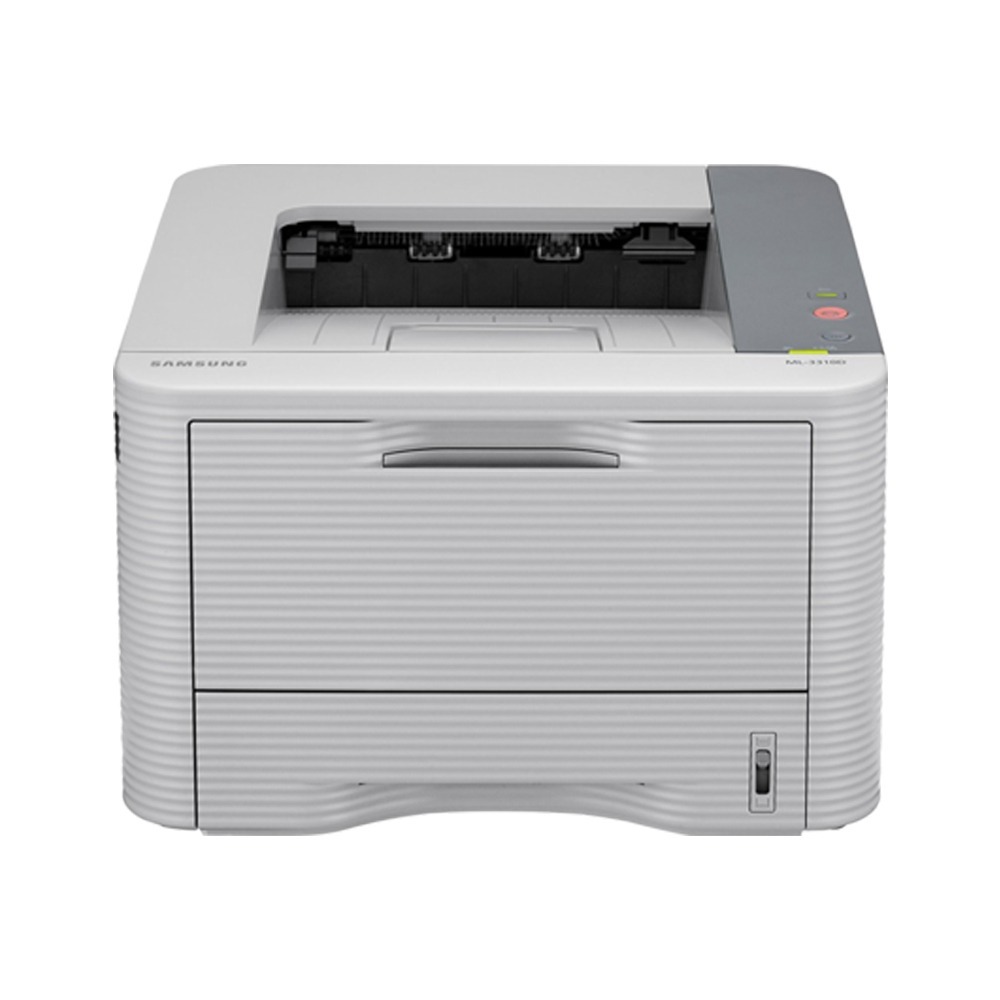
The ML-3310ND adds Ethernet networking and automatic duplexing to the ML-3310 platform, making it the natural pick when one printer serves a small team.
Like its siblings it runs on MLT-D205S or MLT-D205L toner. We carry compatible and genuine OEM cartridges in both yields. Busy shared offices can go one step further with the extra-high-yield MLT-D205E, which stretches the time between toner changes on the ML-3310ND further still.
Toner Cartridges for ML-3310ND
This printer works with the following toner cartridges:
- Samsung MLT-D205S
- Samsung MLT-D205L
- Samsung MLT-D205E
More Samsung Printers
- ML-3310
- ML-3312ND
- ML-3710
- ML-3710DW
- ML-3710ND
- ML-3712DW
- ML-3712ND
- SCX-4833
- SCX-4835FR
- SCX-5637
- SCX-5639FR
- SCX-5739FW
- ML-3310D
- ML-3312
- ML-3312D
- SCX-4833FD
- SCX-4833FR
- SCX-4833HD
- SCX-4835
- SCX-4835FD
- SCX-4835HD
- SCX-5637F
- SCX-5637FN
- SCX-5637FR
- SCX-5637HR
- SCX-5639
- ML-3710D
- SCX-5639HR
- SCX-5737
- ML-3712
- ML-3712D
- SCX-5737FW
- SCX-5739
Frequently Asked Questions
How do I choose long-edge vs. short-edge binding when duplexing on the ML-3310ND?
Making duplex the driver default on the shared ML-3310ND is one of the simplest cost controls an office can set. Anyone needing single-sided output can still switch it per job, and layering toner-save onto drafts stretches the MLT-D205S further. Between the two, you've covered paper and toner at once.
How do I plan toner purchases around the ML-3310ND's usage?
Keep at least one spare MLT-D205S on hand for the ML-3310ND in a busy office, and two when print traffic runs heavy. Note roughly how many weeks each cartridge lasts so you can set a smart reorder point. With a little tracking, running dry should stop being a regular event.
Are toner-level readings accurate when the ML-3310ND runs a compatible cartridge?
Some firmware updates change how the ML-3310ND checks cartridge chips, which is why compatible-toner users often skim the update notes before installing. It doesn't happen with every update, and plenty of compatibles keep working without a hitch. If compatibles are your norm for the ML-3310ND's MLT-D205S, a seller with a solid replacement policy is good insurance.