




SCX-4833FR
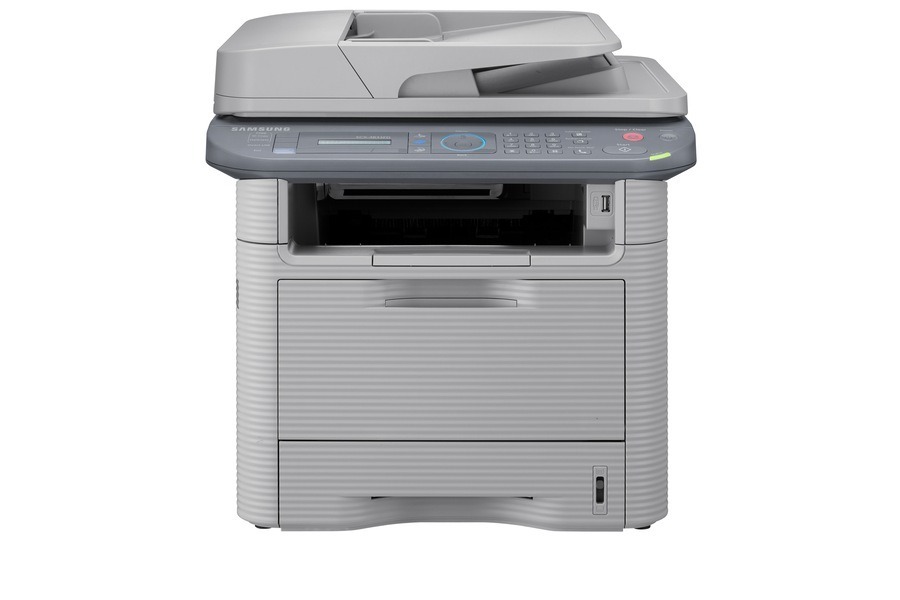
Like its FD sibling, the SCX-4833FR bundles fax with the 4833 multifunction platform, differing mainly in regional configuration.
Cartridge choice is straightforward: the MLT-D205S standard yield or the MLT-D205L high yield, in compatible or genuine OEM form. Rounding out the line is the MLT-D205E, an extra-high-yield cartridge made for SCX-4833FR units that split their week between faxing and long print runs.
Toner Cartridges for SCX-4833FR
This printer works with the following toner cartridges:
- Samsung MLT-D205S
- Samsung MLT-D205L
- Samsung MLT-D205E
More Samsung Printers
- ML-3310
- ML-3310ND
- ML-3312ND
- ML-3710
- ML-3710DW
- ML-3710ND
- ML-3712DW
- ML-3712ND
- SCX-4833
- SCX-4835FR
- SCX-5637
- SCX-5639FR
- SCX-5739FW
- ML-3310D
- ML-3312
- ML-3312D
- SCX-4833FD
- SCX-4833HD
- SCX-4835
- SCX-4835FD
- SCX-4835HD
- SCX-5637F
- SCX-5637FN
- SCX-5637FR
- SCX-5637HR
- SCX-5639
- ML-3710D
- SCX-5639HR
- SCX-5737
- ML-3712
- ML-3712D
- SCX-5737FW
- SCX-5739
Frequently Asked Questions
Is there a way to reset the toner warning on the SCX-4833FR without replacing the cartridge?
Treat the SCX-4833FR's first low-toner alert as a cue to reorder, not to replace. Install the fresh MLT-D205S only when print quality starts declining — that's the economically sensible moment. Swapping at the first message throws away the usable toner built into the safety margin.
Is a closet shelf a good spot for storing backup SCX-4833FR toner?
Store spare toner for the SCX-4833FR away from strong chemicals, ozone sources, and the printer's own heat exhaust. A sealed MLT-D205S is well protected, but corrosive fumes in a utility room can still eat at the packaging over time. Room-temperature indoor storage is the simple rule covering nearly every case.
Should a home user with a SCX-4833FR bother with high-yield cartridges?
Keep it simple for the SCX-4833FR: heavy, predictable printing favors the high-yield MLT-D205L, while light, sporadic use favors the standard MLT-D205S. The break-even usually becomes obvious after one cartridge of each. Either way, buying by the exact MLT-D205S or MLT-D205L code keeps you compatible.