




SCX-5737FW
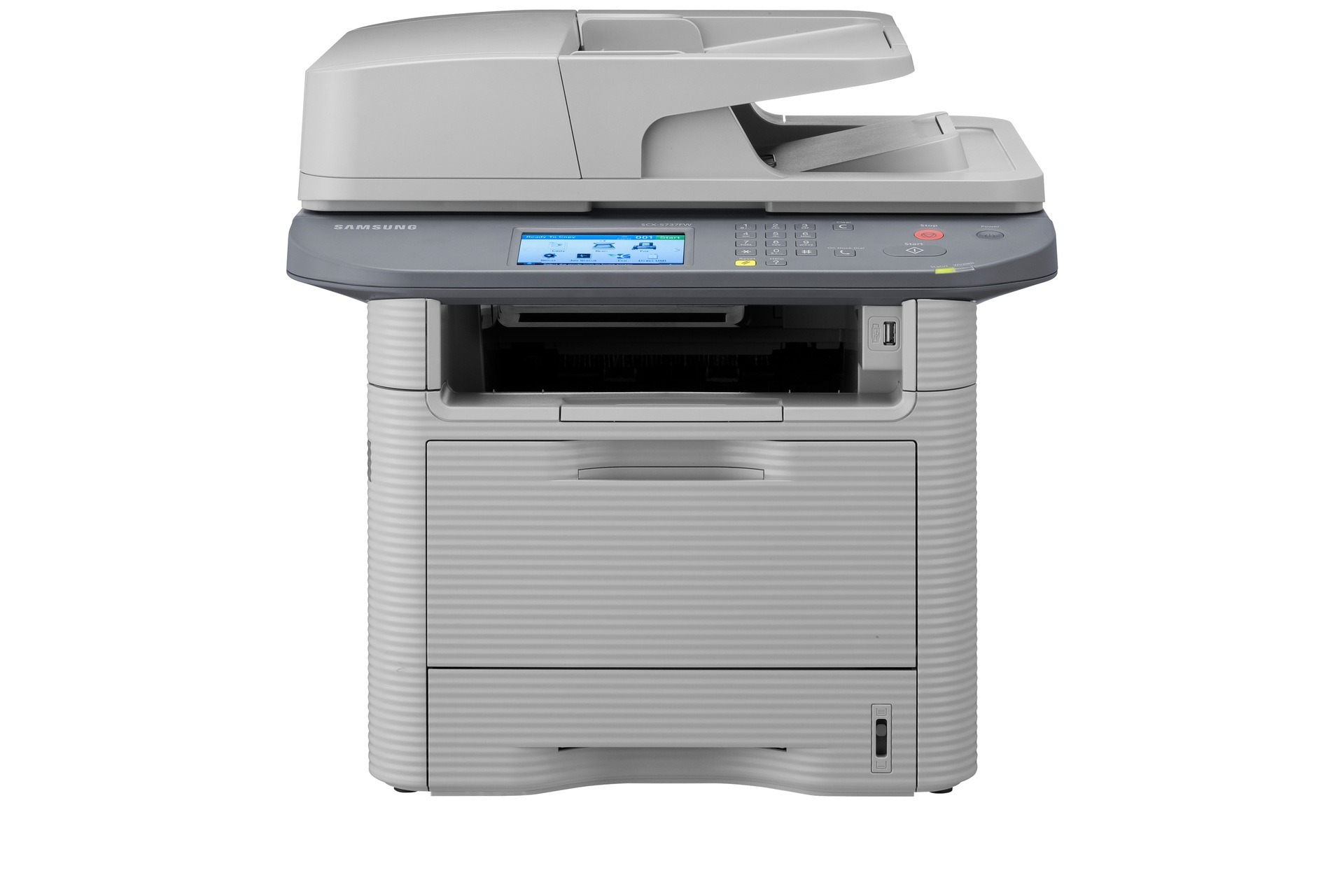
Wireless plus fax: the Samsung SCX-5737FW is the 5737 variant for offices that want full multifunction capability without running network cable to the printer's corner. Its toner shelf mirrors its wired sibling, the SCX-5737 — the MLT-D205S standard cartridge and the MLT-D205L high-yield cartridge — and the machine also accepts the extra-high MLT-D205E from the same family when a longer interval between changes is wanted.
Placement freedom changes how a multifunction gets used. A machine that lives where the work is — the front office, the shared bench, the room without a spare network drop — collects jobs from everyone within reach, including people who were never in the original headcount. The 5737FW's fax, scan, copy and print functions make it a natural magnet, so its supply planning should assume an audience bigger than the one it was bought for.
Toner Cartridges for SCX-5737FW
- MLT-D205S Laser Toner Cartridge Black — Black; standard yield; page yield: see product page.
- MLT-D205L High Yield Laser Toner Cartridge Black — Black; high yield; page yield: see product page.
- MLT-D205L High Yield MICR Laser Toner Cartridge Black — Black; high yield micr, for check printing; page yield: see product page.
- MLT-D205L High Yield Laser Toner Cartridge Black 2 Pack — Black; high yield, 2 pack; page yield: see product page.
- MLT-D205L High Yield Laser Toner Cartridge Black 3 Pack — Black; high yield, 3 pack; page yield: see product page.
- MLT-D205L Premium Quality High Yield Laser Toner Cartridge Black 5 Pack — Black; premium high yield, 5 pack; page yield: see product page.
- SCX-5737FW High Yield Laser Toner Cartridges Black 5 Pack — Black; high yield, 5 pack; page yield: see product page.
- SCX-5737FW High Yield Laser Toner Cartridge Black — Black; high yield; page yield: see product page.
Which cartridge should you buy?
Size up, because wireless machines gather users. A 5737FW that was bought for four people routinely serves eight once the whole floor discovers it, and cartridge tiers chosen for the original four run out on a schedule nobody predicted. The high-yield cartridge is the sensible standing choice, with the multipacks there for offices that want the cupboard to look after itself. Keep the standard tier for a genuinely quiet corner unit. If the change interval still feels short, remember the extra-high MLT-D205E fits this machine as well — it is the same family, simply the largest fill of it.
Chip, toner and everyday use
Where the printer sits affects the cartridge inside it. Keep the machine on a level surface, out of direct sunlight and away from radiators; heat is the quiet enemy of toner both in a stored spare and in the cartridge currently loaded. Chip behavior is identical to the wired models: the machine estimates the remaining level, reports it to the driver, and a cartridge that is not recognized almost always needs reseating rather than replacing. Wipe the chip contacts gently, slide the cartridge home until it clicks, and try again before condemning it.
Frequently Asked Questions
Does the wireless model take a different cartridge from the wired SCX-5737?
No — the wireless hardware changes how jobs reach the printer, not what it prints with. Both machines draw from the same cartridge family in the same tiers, and a spare bought for one is a valid spare for the other. Mixed wired and wireless fleets can share a single toner shelf.
Where should this printer sit to be kind to its cartridges?
Somewhere cool, dry and shaded. A cartridge loaded in a machine beside a sunny window or a heater ages faster than one in a neutral corner, and the same goes for spares stored nearby. You do not need a special room — just avoid the obvious heat sources and keep the machine level.
How will we know when it is time to move up a cartridge tier?
Watch the change interval rather than the user count. If a standard cartridge is lasting your office less than a comfortable reorder cycle, the machine has outgrown that tier — step up to the MLT-D205L and let the interval stretch. Tier changes on this family need no other adjustment; the slot takes every size.
More printers that use the same cartridges
Shifted nine places through the reversed range, the full set of models sharing this machine's cartridges is: SCX-5637FN, SCX-5637F, SCX-5637, SCX-4835HD, SCX-4835FR, SCX-4835FD, SCX-4835, SCX-4833HD, SCX-4833FR, SCX-4833FD, SCX-4833, ML-3712ND, ML-3712DW, ML-3712D, ML-3712, ML-3710ND, ML-3710DW, ML-3710D, ML-3710, ML-3312ND, ML-3312D, ML-3312, ML-3310ND, ML-3310D, ML-3310, Samsung-MLTD205, SCX-5739FW, SCX-5739, SCX-5737, SCX-5639HR, SCX-5639FR, SCX-5639, SCX-5637HR, SCX-5637FR.