




SCX-4500
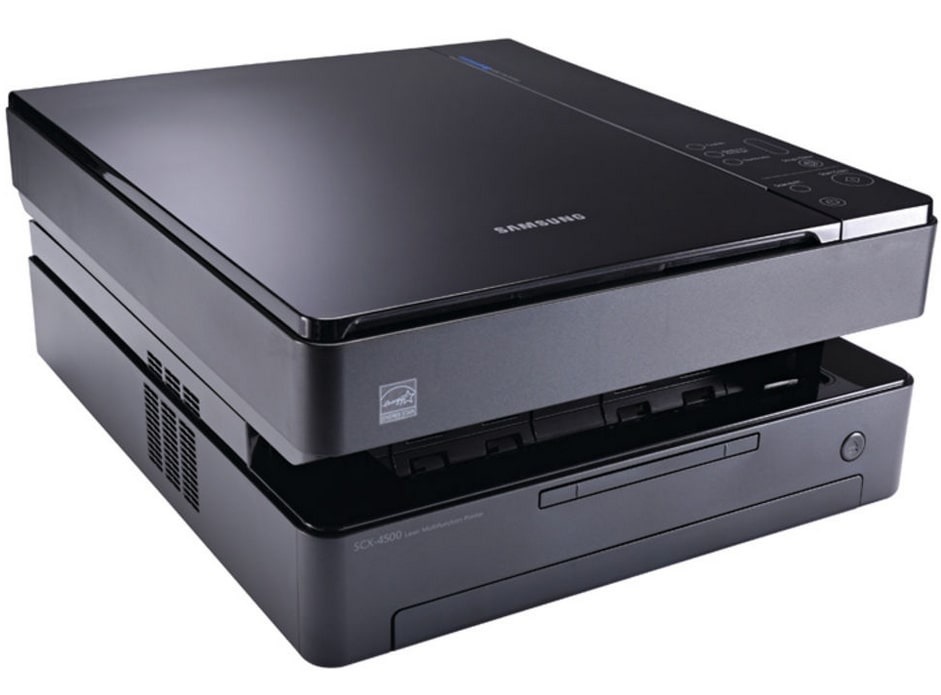
The Samsung SCX-4500 packed printing, scanning, and copying into one of the smallest multifunction bodies of its time — a compact mono MFP for tight home offices and dorm rooms.
It runs on the ML-D1630A toner cartridge. Both compatible and genuine OEM cartridges for the SCX-4500 are available here.
Toner Cartridges for SCX-4500
This printer works with the following toner cartridges:
- Samsung ML-D1630A
More Samsung Printers
Frequently Asked Questions
Where is the cartridge seated inside the SCX-4500?
Avoid touching the green drum roller or the chip contacts on the new ML-D1630A - oils and scratches there show up as print defects on the SCX-4500. Do not leave the cartridge in bright light for long either. Work over a sheet of paper in case a little toner escapes during the swap.
After clearing a paper jam, the SCX-4500 started printing blank pages — why?
The wrong or corrupted driver can absolutely make the SCX-4500 output blank pages even with a full ML-D1630A cartridge. Reinstall the model-specific Samsung driver and print a test page from the printer's own panel, which bypasses the computer entirely. If the panel page prints fine, the computer side is at fault.
How do I get darker copies out of the SCX-4500?
Copies from the SCX-4500 go through both the scanner and the printer, so dirt on the glass or low ML-D1630A toner shows up in the result. Clean the scanner glass and check toner levels first. If computer prints look fine but copies do not, the scanner side is the culprit.