




SCX-4501K
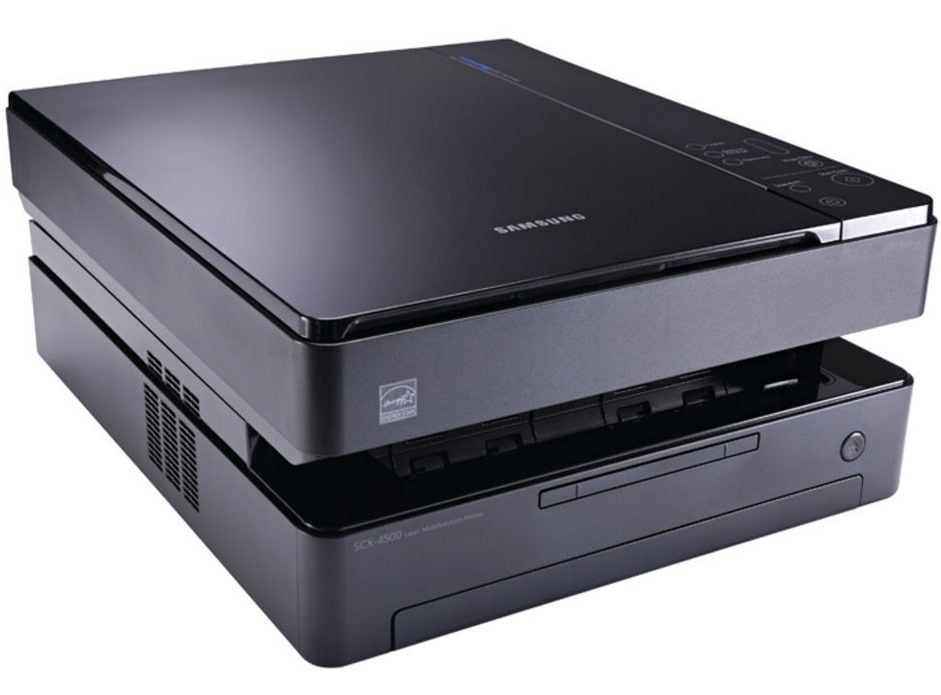
The Samsung SCX-4501K is a variant configuration of the compact SCX-4500 multifunction — same tiny print/scan/copy body for cramped home offices.
It uses the ML-D1630A toner cartridge. Both compatible and genuine OEM options for the SCX-4501K are available here.
Toner Cartridges for SCX-4501K
This printer works with the following toner cartridges:
- Samsung ML-D1630A
More Samsung Printers
Frequently Asked Questions
Should I be concerned that output from a fresh ML-D1630A in the SCX-4501K looks pale on the first pages?
Unpack the ML-D1630A over a sheet of paper, remove all seals and the orange protective tab, then rock it gently side to side five or six times to settle the toner. Slide it into the SCX-4501K along the rails until it clicks and close the cover. Print a test page to confirm full, even coverage.
My SCX-4501K copies have streaks that the original does not - why?
Streaks on copies that are absent from computer prints point to the SCX-4501K scanner glass, not the toner. Clean the thin feeder glass strip especially - a speck there draws a line down every feeder copy. The ML-D1630A cartridge only causes streaks when computer prints show them too.
Does a flashing toner light on the SCX-4501K mean the cartridge is empty?
The blinking toner light on the SCX-4501K indicates low toner, an improperly installed ML-D1630A, or a cartridge the printer cannot read. Reseat the cartridge and check for packaging leftovers like seals or tabs. If the light stays on with a known-good ML-D1630A, try another cartridge to isolate the fault to the cartridge or the printer.