




ML-1630
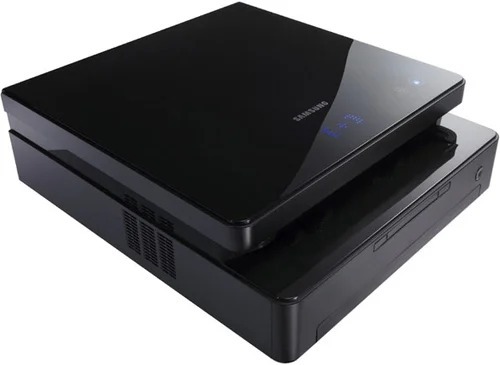
The Samsung ML-1630 was an ultra-compact mono laser of the late 2000s — small enough to disappear on a desk, yet a proper black-and-white printer for home and student use.
It prints with the ML-D1630A toner cartridge. Both compatible and genuine OEM cartridges for the ML-1630 are available here.
Toner Cartridges for ML-1630
This printer works with the following toner cartridges:
- Samsung ML-D1630A
More Samsung Printers
Frequently Asked Questions
The ML-1630 prints an extra blank page with jobs - how do I stop it?
Blank pages right after clearing a jam on the ML-1630 usually mean a torn scrap is still blocking the paper path or the ML-D1630A was not reseated properly. Open the printer, look for leftover paper bits, and reinstall the cartridge firmly. A test page from the panel confirms the path is clear.
My computer cannot find the ML-1630 - how do I install the driver?
Download the ML-1630 driver from the official or HP support page matched to your OS; third-party download sites can bundle old packages. The full driver package beats a universal driver for fullest feature access — and your ML-D1630A cartridge keeps working unchanged. Once installed, verify the correct model name shows in your printer list.
Which compartment inside the ML-1630 holds the cartridge?
If the ML-1630 front cover will not close after a cartridge swap, the ML-D1630A is probably not seated fully or is inserted the wrong way - the handle should face you. Pull it out, align it with the side rails, and push until it clicks. Forcing the cover can crack the hinges.