




SCX-4500W
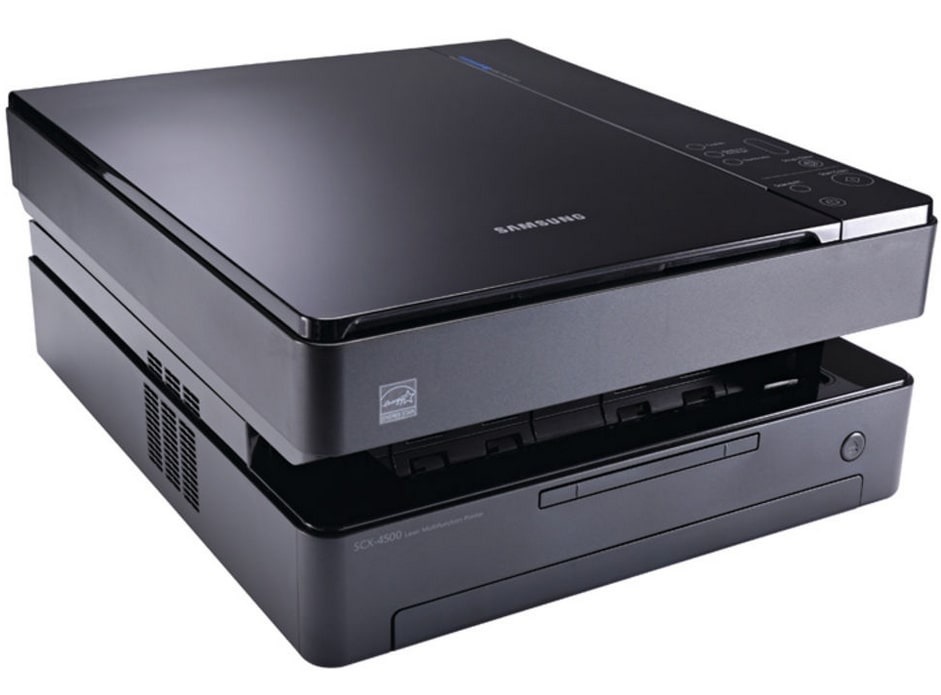
Adding wireless to the tiny multifunction, the Samsung SCX-4500W let users print, scan, and copy over Wi-Fi — a cable-free all-in-one for small spaces.
The SCX-4500W uses the ML-D1630A cartridge. Compatible and genuine OEM toner is available here.
Toner Cartridges for SCX-4500W
This printer works with the following toner cartridges:
- Samsung ML-D1630A
More Samsung Printers
Frequently Asked Questions
Should I expect lighter or washed-out pages from the SCX-4500W when Eco mode is on?
Enable toner save in the SCX-4500W print driver under the quality or graphics tab - it is a per-job setting in most Samsung drivers. You can leave it on as your default and switch to normal quality for specific jobs. The ML-D1630A cartridge lasts longer with no other changes needed.
Is there a break-in period for a new ML-D1630A in the SCX-4500W?
The orange tab on a new ML-D1630A guards the drum shutter and toner seal during shipping - remove it before installing the cartridge in the SCX-4500W. Leaving it on blocks printing or jams the mechanism. Keep the tab only until the moment of installation, then discard it.
Why do copies from the SCX-4500W look worse than the original?
Darken copies on the SCX-4500W with the copy density or darkness control in the copy menu. Faded copies with a healthy ML-D1630A cartridge usually mean the setting was left on a light preset. Return it to normal once the urgent copies are done.