




ML-2155W
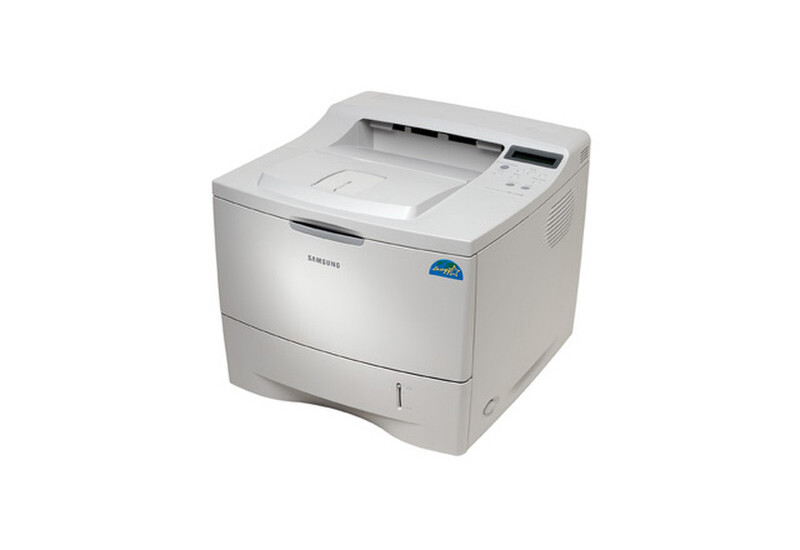
The Samsung ML-2155W combined the 2155's quicker engine with wireless connectivity — a departmental mono laser that could be placed wherever the office needed it, no cable run required.
It prints with the ML-2150D8 cartridge. Both compatible and genuine OEM toner for the ML-2155W are available here.
Toner Cartridges for ML-2155W
This printer works with the following toner cartridges:
- Samsung ML-2150D8
More Samsung Printers
Frequently Asked Questions
The ML-2155W feeds paper but nothing prints - where do I start?
If the ML-2155W is producing completely blank pages with a new ML-2150D8, the protective seal probably never came off — it blocks every bit of toner. Power the printer down, take the cartridge out, pull the seal tab all the way off, and put the cartridge back in. When the seal is already gone, the next check is whether the cartridge is pushed in until it clicks fully.
What should I check first when the ML-2155W disappears from the network?
If USB printing works but Wi-Fi does not, the driver on your computer is probably pointed at an old IP address that changed. Open the printer properties, verify the port matches the address on the printer's network report, and update it. Reinstalling the Samsung driver with the wireless option usually resolves the mismatch in a few minutes.
I just put in a new cartridge, yet the ML-2155W wants toner replaced — why?
When the toner light on the ML-2155W keeps blinking, start by reseating the ML-2150D8 and making sure every scrap of packaging — seals, tabs, tape — was removed from the cartridge. The light typically signals low toner, a loose cartridge, or a chip the printer cannot read. If a known-good cartridge still triggers it, try yet another cartridge to determine whether the problem is the cartridge or the ML-2155W itself.