




ML-2150
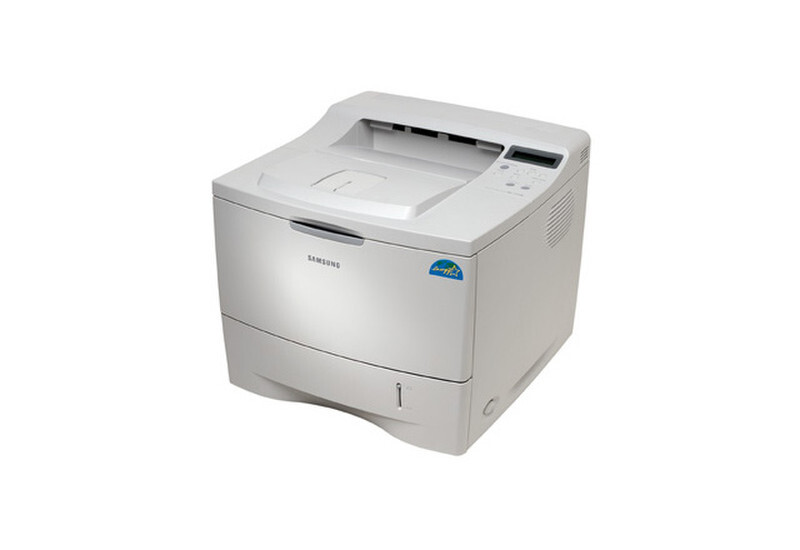
The Samsung ML-2150 was Samsung's answer for mid-2000s workgroups: a sturdy mono laser single-function printer with the speed and duty to serve a department's daily black-and-white output.
It runs on the ML-2150D8 toner cartridge. Both compatible and genuine OEM cartridges for the ML-2150 are available here.
Toner Cartridges for ML-2150
This printer works with the following toner cartridges:
- Samsung ML-2150D8
More Samsung Printers
Frequently Asked Questions
What is the safe procedure for removing a paper jam from the ML-2150?
Jamming on only some paper usually means the ML-2150 dislikes that weight or finish - very thin sheets and glossy stock are common culprits. Switch to standard office paper and set the tray's paper type to match what is loaded. The ML-2150D8 cartridge has no influence on which paper feeds well.
About how much time should I set aside to swap the cartridge in the ML-2150?
A cartridge swap on the ML-2150 takes about a minute once you have done it: open the cover, exchange the ML-2150D8, and close the cover. The printer runs a short calibration, then you are back to printing. Keeping a spare ML-2150D8 nearby means a mid-job empty never stalls your work.
My first prints with the new ML-2150D8 look light on the ML-2150 - is that normal?
Pull the sealing tape completely out of the new ML-2150D8 - a partially removed seal is the top reason a fresh cartridge prints blank in the ML-2150. The tape usually has a pull tab on one end. After removal, give the cartridge a gentle rock before installing.