




ML-2155
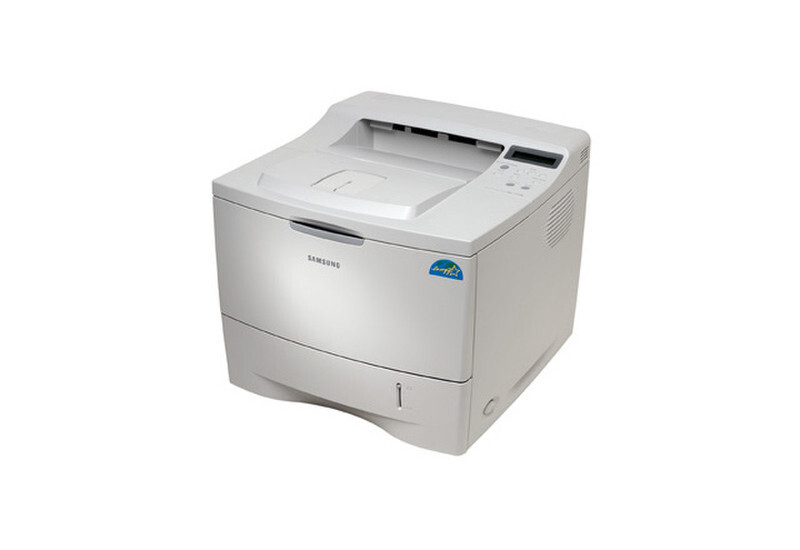
The Samsung ML-2155 pushed the 2150 line's speed ceiling higher — a faster departmental mono laser for offices with heavier daily print volumes.
It runs on the ML-2150D8 cartridge. Both compatible and genuine OEM toner for the ML-2155 is available here.
Toner Cartridges for ML-2155
This printer works with the following toner cartridges:
- Samsung ML-2150D8
More Samsung Printers
Frequently Asked Questions
Where exactly does the cartridge go inside the ML-2155?
If the ML-2155 front cover will not close after a cartridge swap, the ML-2150D8 is probably not seated fully or is inserted the wrong way - the handle should face you. Pull it out, align it with the side rails, and push until it clicks. Forcing the cover can crack the hinges.
Why would the ML-2155 print blank pages right after a paper jam?
Blank pages from the ML-2155 often mean the protective seal was never removed from a new ML-2150D8 cartridge - the seal blocks all toner. Power off, remove the cartridge, pull the seal tab fully, and reinstall. If the seal is already gone, check that the cartridge is clicked in completely.
How can I clear a jam in the ML-2155 without breaking anything?
When the ML-2155 jams on certain stock but not others, the culprit is almost always the paper's weight or finish — very thin sheets and glossy paper feed poorly. Load standard office paper and match the tray's paper-type setting to what you loaded. The ML-2150D8 toner cartridge plays no role in how paper moves through the printer.