




ML-2552W
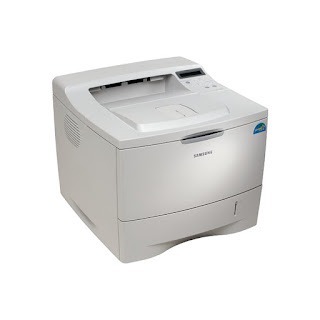
The Samsung ML-2552W brought wireless freedom to the faster 2550 platform — a workgroup mono laser that could live anywhere in the office thanks to its Wi-Fi connection.
The ML-2552W runs on the ML-2550DA cartridge. Both compatible and genuine OEM options are available here.
Toner Cartridges for ML-2552W
This printer works with the following toner cartridges:
- Samsung ML-2550DA
More Samsung Printers
Frequently Asked Questions
What is the orange tab on the new ML-2550DA cartridge for the ML-2552W?
Slightly light first pages with a new ML-2550DA in the ML-2552W are normal while toner distributes - print a few pages and output should reach full density. If pages stay light after ten or so, reseat the cartridge and check that no seal remains. Persistent lightness with a new cartridge is uncommon and worth a supplier call.
Where should I download the ML-2552W driver to avoid sketchy sites?
Download the Samsung print driver from the official Samsung or HP support site and run the installer with the ML-2552W powered on and connected. Choose USB or network to match your actual connection, then print a test page to confirm. Detection failures are a software matter, so the ML-2550DA cartridge can wait until printing works.
Is replacing the cartridge in the ML-2552W a quick job?
Before installing the new ML-2550DA in the ML-2552W, tilt it gently side to side five or six times so the toner settles evenly inside. Keep the motion slow and controlled — violent shaking can spill toner within the cartridge. This simple prep gets the first pages printing at full, even density.