




ML-2152W
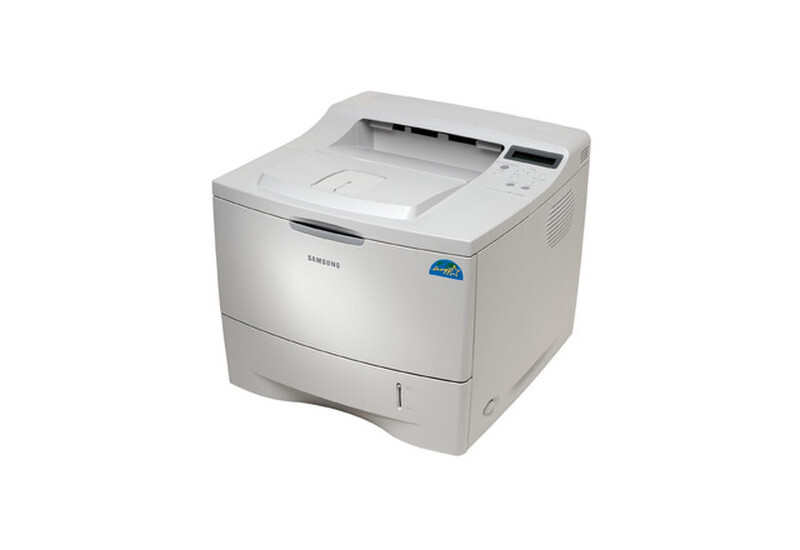
One of Samsung's early wireless office printers, the ML-2152W freed the workgroup mono laser from the network cable — the W marks Wi-Fi connectivity on the proven 2150 engine.
The ML-2152W prints with the ML-2150D8 toner cartridge. Compatible and genuine OEM supplies are available here.
Toner Cartridges for ML-2152W
This printer works with the following toner cartridges:
- Samsung ML-2150D8
More Samsung Printers
Frequently Asked Questions
My ML-2152W halted because of low toner — is there a way to keep printing anyway?
The low-toner warning on the ML-2152W is an estimate - you can often print many more pages, especially text documents. Gently remove the ML-2150D8, rock it side to side to redistribute toner, and reinstall it. Order the replacement ML-2150D8 now so it arrives before output actually fades.
What do vertical streaks on ML-2152W printouts usually mean?
On the ML-2152W, the toner cartridge supplies the powder while the imaging unit applies it to the page, so faded output with a full-feeling cartridge suggests the drum is near the end of its life. Check the printer's supplies status page, which tracks each part separately. Replacing only the ML-2150D8 when the drum is worn will not fix streaks or fading.
How do I print darker output on the ML-2152W?
Before suspecting the ML-2152W, check your browser — web pages often print badly because browsers shrink and reformat them, so preview first or switch to reader view. On the printer side, normal quality combined with the correct paper type produces the cleanest web prints. The ML-2150D8 cartridge is seldom behind this kind of problem.