




ML-2151N
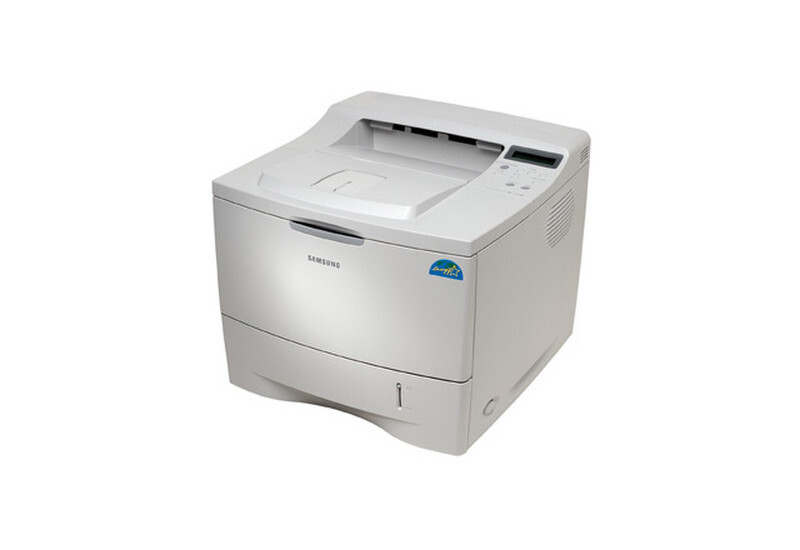
The Samsung ML-2151N refreshed the 2150 platform with network printing as standard — a mid-2000s departmental mono laser aimed at shared office environments.
It uses the ML-2150D8 cartridge. Both compatible and genuine OEM options for the ML-2151N are available here.
Toner Cartridges for ML-2151N
This printer works with the following toner cartridges:
- Samsung ML-2150D8
More Samsung Printers
Frequently Asked Questions
Does higher resolution use more toner on the ML-2151N?
Web pages print poorly from the ML-2151N mainly because browsers shrink and reformat them - use print preview and a reader view before blaming the printer. For the ML-2151N itself, normal quality with the correct paper type gives the cleanest result. The ML-2150D8 cartridge is rarely the cause of bad web prints.
Is it okay to keep a spare ML-2150D8 for the ML-2151N in a hot garage?
Keep spare ML-2150D8 cartridges sealed until the ML-2151N actually needs them; the sealed bag protects the toner from moisture and the drum from light. Once opened, install promptly rather than leaving it on a shelf. An unsealed cartridge slowly absorbs humidity, which causes clumping.
Should I shake the ML-2150D8 cartridge when prints start fading on the ML-2151N?
Banding on the ML-2151N's pages usually comes from toner sitting unevenly in the cartridge or a worn developer roller. Take the ML-2150D8 out and roll it gently from side to side to level the toner inside, then print again. If the bands survive a brand-new cartridge, the drum assembly is the next component to examine.