




ML-2155N
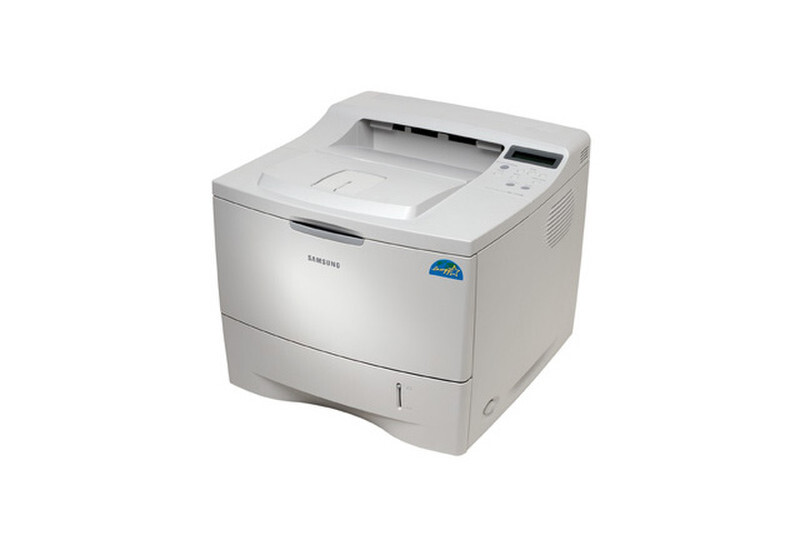
Pairing the faster 2155 engine with office networking, the Samsung ML-2155N was built for shared departmental use — Ethernet onboard, ready to serve a workgroup.
The ML-2155N uses the ML-2150D8 toner cartridge. Compatible and genuine OEM supplies are stocked here.
Toner Cartridges for ML-2155N
This printer works with the following toner cartridges:
- Samsung ML-2150D8
More Samsung Printers
Frequently Asked Questions
What should I do when the ML-2155N reports low toner but pages still look fine?
A blinking toner light on the ML-2155N points to one of three things: the ML-2150D8 is low, it is not seated properly, or the printer cannot read its chip. Remove the cartridge, look for any leftover seals or pull tabs, and seat it firmly again. If the light keeps blinking with a cartridge you know is good, swap in another one to tell whether the fault lies with the cartridge or the printer.
Are there downsides to skipping firmware updates on the ML-2155N?
On the ML-2155N, a firmware update can tighten how the ML-2150D8's chip is validated, which sometimes rejects cartridges that worked before. If that happens, pull the cartridge out and reseat it, then ask your supplier whether a chip update is available. Many offices schedule firmware updates for a planned window instead of applying them the moment they appear.
How do I connect the ML-2155N to my office network with an Ethernet cable?
The ML-2155N stops printing over the network every few days most often because the router keeps reassigning its IP address. Reserve a fixed address for the printer in the router's DHCP settings so the driver port stays valid. This is purely a network symptom and has nothing to do with the ML-2150D8 toner level.