




ML-2150N
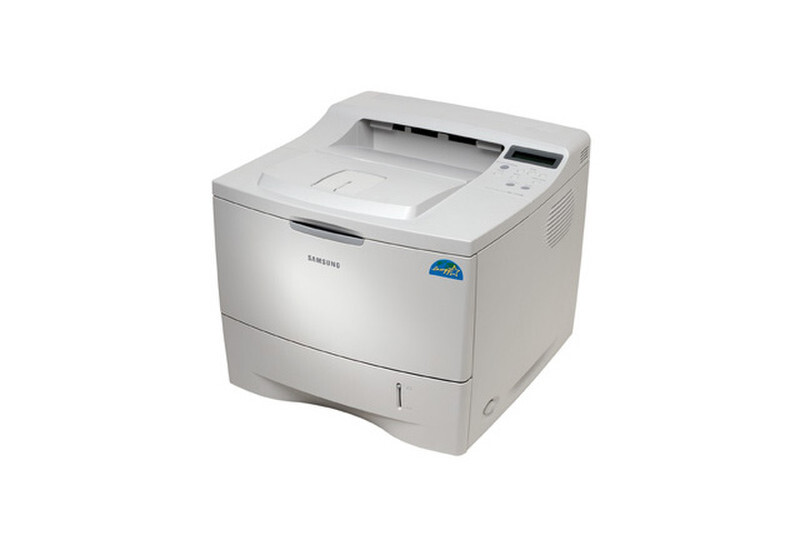
The N in the Samsung ML-2150N means network — this is the Ethernet-equipped version of the ML-2150 workgroup mono laser, built to sit on an office network and serve multiple users.
Its cartridge is the ML-2150D8. Compatible and genuine OEM toner for the ML-2150N is stocked here.
Toner Cartridges for ML-2150N
This printer works with the following toner cartridges:
- Samsung ML-2150D8
More Samsung Printers
Frequently Asked Questions
My ML-2150N prints faded pages - is the toner empty or is something else wrong?
Bands across the page from the ML-2150N typically indicate uneven toner distribution or a worn developer roller. Remove the ML-2150D8 cartridge and rock it gently side to side to redistribute the toner. If bands persist with a new cartridge, the drum assembly is the next suspect.
Where do I turn on toner save for the ML-2150N?
The ML-2150N driver does include a toner-save or eco option that prints text with less toner from each ML-2150D8 per page. Use it for drafts, internal paperwork, and anything you will recycle. Turn it off for final copies or client-facing work.
What happens if a stored ML-2150D8 for the ML-2150N gets damp?
A ML-2150D8 stored for a year or two usually still works in the ML-2150N if it stayed sealed and climate-controlled - give it a gentle rock before installing to redistribute settled toner. If the first pages look faded or streaky after long storage, the toner may have degraded. Buy spares in quantities you will use within a year or so.