




B4300
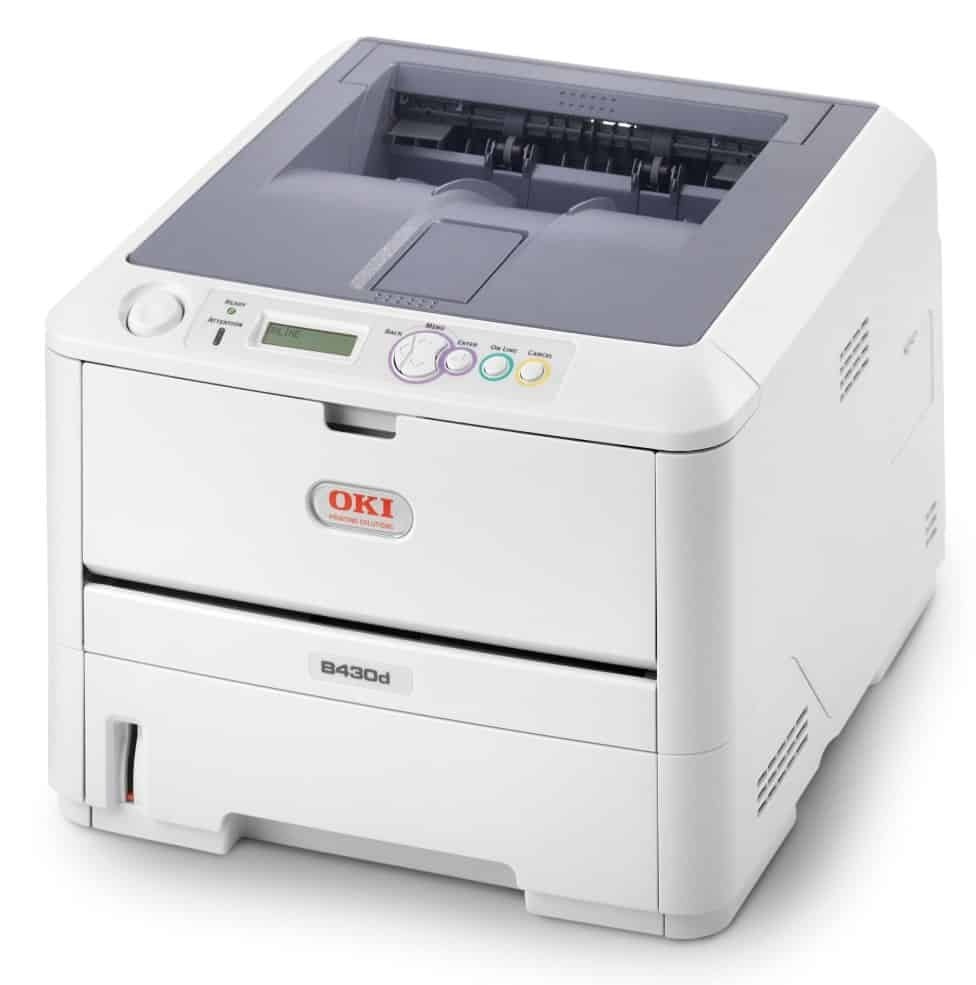
OKI's B4300 brought network-ready monochrome laser printing to small offices in the B4000 generation, and its supply list is refreshingly short. The standard cartridge is the 42103001 black toner, common to the whole B4000 family. Offices that would rather change toner less often can step up to the high-yield 42102901 instead — the same printer, with a longer interval between swaps.
The B4300's useful quirk is that it offers a genuine choice where most of its siblings offer one cartridge: a standard yield for ordinary desks and a high-yield for the machines that anchor a small office's document flow. Everything else about it is classic B-series — monochrome only, one cartridge at a time, no color set to keep track of.
Toner Cartridges for B4300
| Cartridge | Color | Page Yield |
|---|---|---|
| 42103001 | Black | See product page |
| 42103001 — 5 pack | Black | See product page |
| 42103001 — 6 pack | Black | See product page |
| 42102901 — High yield | Black | See product page |
| 42102901 — High yield, 2 pack | Black | See product page |
| 42102901 — High yield, 3 pack | Black | See product page |
| 42102901 — High yield, 5 pack | Black | See product page |
| 42102901 — High yield, 10 pack | Black | See product page |
| 42102901 — High yield (code listing) | Black | See product page |
| 42102901 — High yield, 3 pack (code listing) | Black | See product page |
| B4300 black toner cartridge | Black | See product page |
| B4300 black toner cartridges — 5 pack | Black | See product page |
Which cartridge should you buy?
Decide by volume first. The standard 42103001 suits a desk that prints modestly and keeps little money tied up in supplies. If the B4300 anchors a workgroup or your monthly count is climbing, the high-yield 42102901 is the better buy: fewer changeovers, and a lower cost per page across its longer run. The listings above show the same two cartridges under both code-named and B4300-named listings, in sizes from singles to a 10 pack — pick the pack size that matches how many spares your office actually stores. All compatible cartridges on this page carry a 1-year warranty and 1-year returns.
Chip, toner and everyday use
Fit the cartridge until it clicks home; the B4300 reads its chip for toner reporting, and a cartridge resting slightly out of its seat is a common cause of a false "empty" message. For everyday economy, use the driver's draft or toner-save mode on internal documents and reserve full quality for final copies. Coverage is what drains a cartridge fastest — a page of solid black graphics can use many times the toner of a text page, whatever the yield rating says. Keep the next cartridge sealed until the day it goes in.
Frequently Asked Questions
Which cartridge fits the Oki B4300?
The 42103001 standard black cartridge. There is also a high-yield alternative, the 42102901, for offices that print heavily. As a monochrome machine, the B4300 needs only the one black cartridge — there is no color set to manage.
My B4300 prints have vertical white lines. Is the cartridge empty?
Vertical white lines usually mean low toner or a dirty LED array. First rock the cartridge gently side to side to redistribute the toner. If the lines persist with a fresh cartridge fitted, clean the LED printhead strip inside the printer.
How do I get the most pages from a cartridge in the B4300?
Print internal documents in draft or toner-save mode and save normal quality for final copies. Coverage drives consumption, so avoid solid-black graphics you do not need, and keep pages text-focused where the document allows it.
Why are there so many listings for the same two cartridges?
The 42103001 and 42102901 are each sold under code-named listings and B4300-named listings, in pack sizes from single to 10 pack. They are the same cartridges — choose by the code and the quantity, and the fit is identical.
More printers that use the same cartridges
The standard cartridge is shared across the family — these models included: B4100, B4200, B4250, B4300N, B4300NPS, B4350, B4350N, B4350NPS.