




B4350N
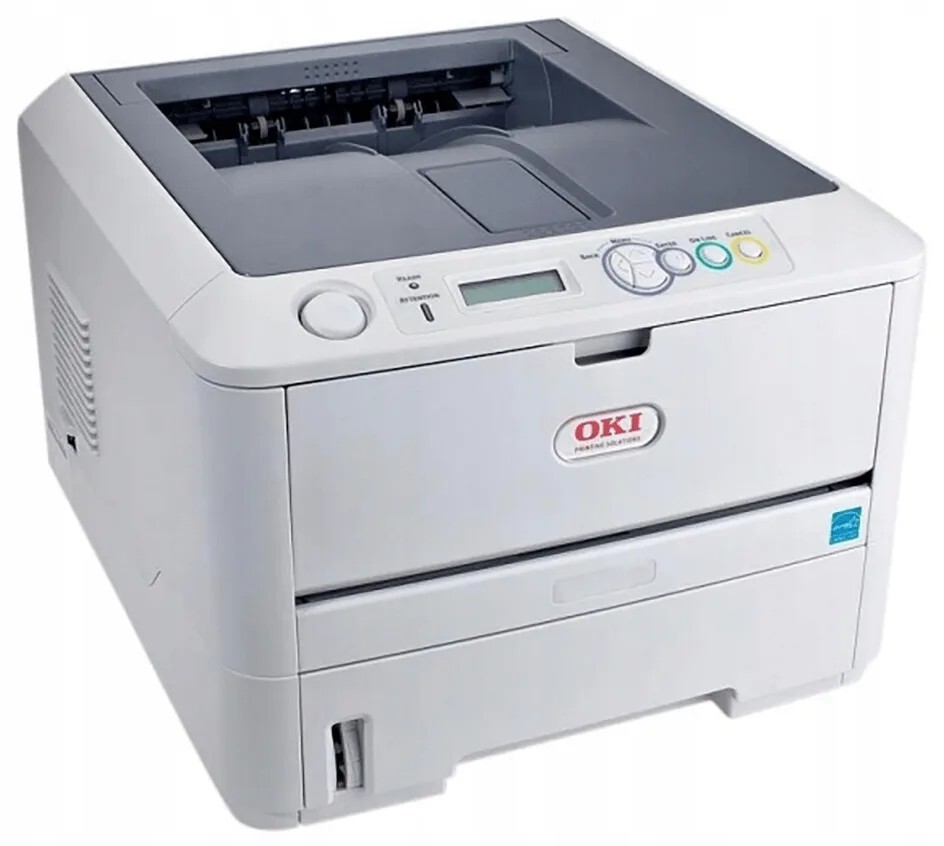
With built-in networking, the B4350N adapts the B4350 mono laser for workgroup use, while its supplies stay exactly as simple: the shared B4000-series 42103001 cartridge. Busier workgroups can fit the high-yield 42102901 instead, so the machine spends more time printing and less time waiting on supplies.
A workgroup printer is judged on uptime. Every job from every desk lands in the same queue, so the B4350N's owners tend to think about toner the way they think about paper — a bulk consumable that should never be the reason work stops. Its cartridge choice is built for exactly that mindset.
Toner Cartridges for B4350N
| Cartridge | Color | Page Yield |
|---|---|---|
| 42103001 | Black | See product page |
| 42103001 — 5 pack | Black | See product page |
| 42103001 — 6 pack | Black | See product page |
| 42102901 — High yield | Black | See product page |
| 42102901 — High yield, 3 pack | Black | See product page |
| B4350N black toner cartridge | Black | See product page |
| B4350N black toner cartridges — 5 pack | Black | See product page |
Which cartridge should you buy?
For a shared machine, changeovers are the hidden cost: each swap is a pause in everyone's queue. That is the case for the high-yield 42102901 as the workgroup default — a longer run between changes and a lower cost per page across it. The standard 42103001 remains the economical pick if the printer's corner of the office is quiet. Whichever you fit, the multi-packs above exist so the next cartridge is already in the cupboard; with several people depending on one printer, ordering at empty is ordering too late. Every compatible cartridge here carries a 1-year warranty and 1-year returns.
Chip, toner and everyday use
Before a big shared job — a report run, a mailing — glance at the toner level first; a cartridge that is nearly out will announce itself as gray, washed-out pages halfway through the stack. When you do fit a fresh cartridge, press it in until it clicks so the chip seats and the level reads correctly for everyone checking the queue. Keep the spare next to the printer rather than in a supply room, and leave it sealed until fitting day so it starts its life in the best condition.
Frequently Asked Questions
Which toner cartridge does the B4350N take?
The 42103001 — a single black toner cartridge that drops into the front of the printer in seconds. The high-yield 42102901 is the longer-running alternative for busier workgroups.
How do I fix streaks on prints from the B4350N?
First clean the LED array inside the printer with a soft dry cloth — dust on the lens draws straight lines down every page. If the streaks survive both the cleaning and a fresh cartridge, suspect the image drum.
Why is my B4350N printing light gray instead of black?
Light or gray output usually means the toner cartridge is nearly spent. A gentle shake can buy a few more pages, but plan on replacing the cartridge soon — on a shared printer, the next person's job depends on it.
Why do workgroups choose the high-yield cartridge here?
Because the whole office prints through one machine. The high-yield cartridge stretches the interval between changeovers and lowers cost per page, and fewer swaps means fewer interruptions in a queue that several people are waiting on.
More printers that use the same cartridges
These family models run on the same standard cartridge: B4100, B4200, B4250, B4300, B4300N, B4300NPS, B4350, B4350NPS.