




LaserJet M402DN
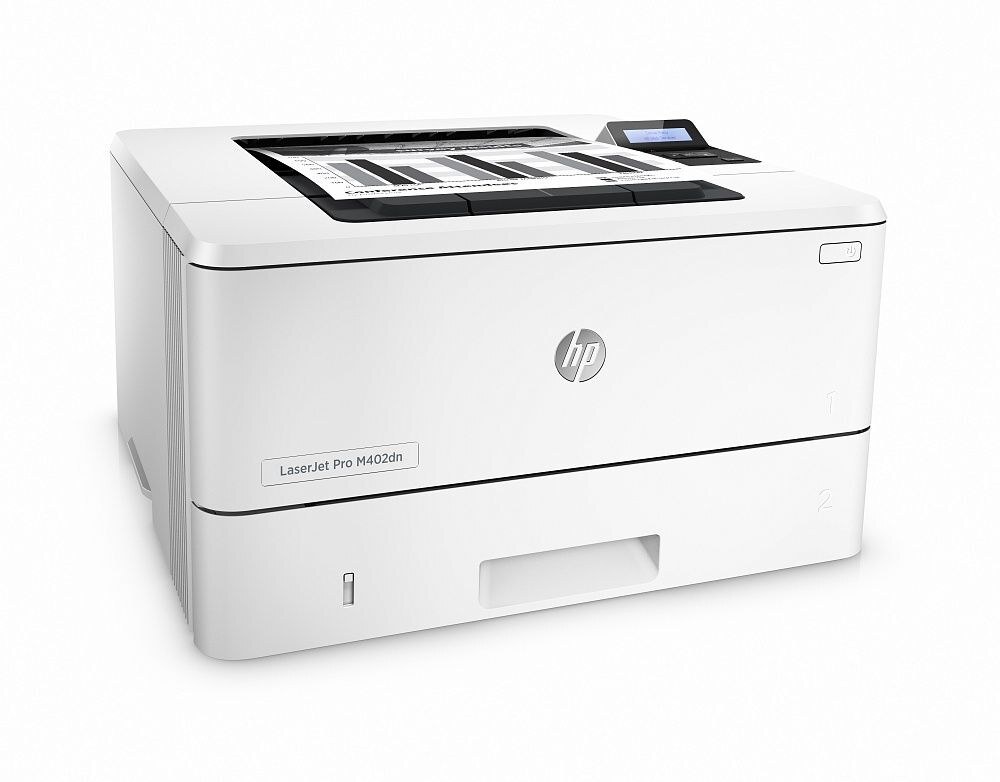
As a mid-2010s mono single-function printer, the LaserJet M402DN earned its reputation the slow way — page after page of clean, reliable output. The LaserJet M402DN treats everyday office document printing as its whole job description, and does it well.
Cartridge-wise, the LaserJet M402DN belongs to the HP 26A family (CF226A), which means 7 other models use the same supplies. The LaserJet M402DN runs reliably on our compatible HP 26A cartridges as well as on genuine OEM CF226A — pick the one that fits your budget. Offices that run the LaserJet M402DN hard can step up to the high-yield CF226X instead — the longer-lasting member of the same 26 family, built for heavier monthly volume.
Toner Cartridges for LaserJet M402DN
This printer works with the following toner cartridges:
- HP CF226A
- HP CF226X
More HP Printers
- LaserJet M402D
- LaserJet M402DW
- LaserJet M402n MFP
- LaserJet M426dw MFP
- LaserJet M426fdn MFP
- LaserJet M426FDW
- LaserJet Pro M402
Frequently Asked Questions
Can I use any HP toner cartridge in the LaserJet M402DN?
No — the LaserJet M402DN only accepts CF226A, CF226X. Toner cartridges are keyed to specific printer families, so one made for another HP model generally won't fit or be recognized. Stick to the codes listed for your LaserJet M402DN.
When should I replace the toner in my LaserJet M402DN?
Swap the CF226A when prints from the LaserJet M402DN fade, streak, or the printer reports the cartridge as empty. "Toner low" warnings arrive earlier and still leave room to print, so keep a spare CF226A ready. Change it when quality visibly drops, not at the first warning.
How do I clear a paper jam in the LaserJet M402DN?
Power off the LaserJet M402DN, open its doors, and pull the jammed paper out slowly in the direction of the paper path — never against it. Check that the tray guides sit snug against the paper stack, since loose guides cause repeat jams. Fan the paper and avoid overfilling the tray.