




LaserJet M426fdn MFP
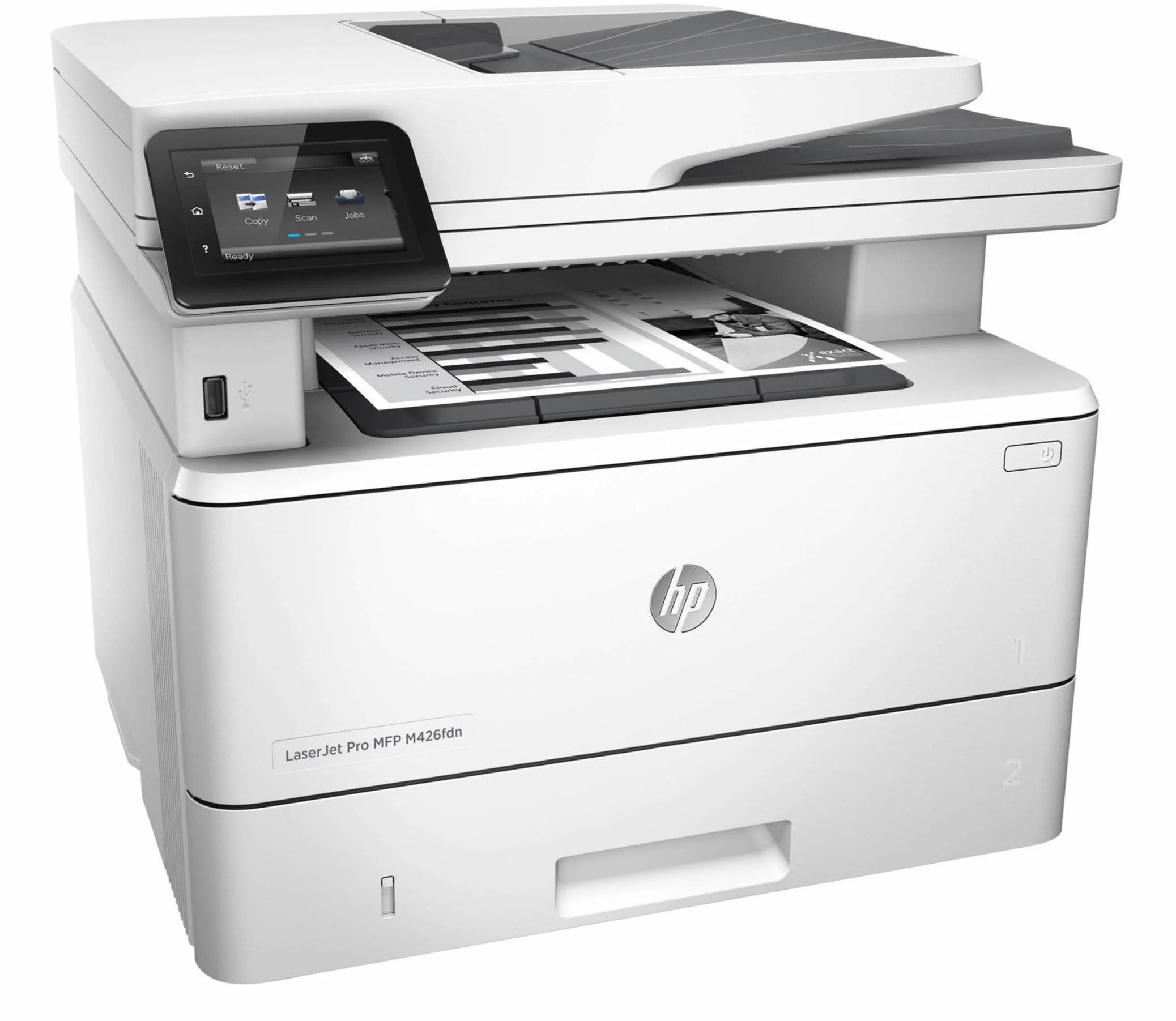
As a mid-2010s mono multifunction printer, the LaserJet M426fdn MFP earned its reputation the slow way — page after page of clean, reliable output. For everyday office document printing, the LaserJet M426fdn MFP remains a sensible pick — simple mechanics and consistently clean output.
The LaserJet M426fdn MFP uses HP 26A cartridges, anchored by the CF226A — one of the most widely stocked HP cartridges of its generation. Busy LaserJet M426fdn MFP owners often grab the high-yield CF226X, while the standard CF226A is plenty for steady everyday office document printing.
Toner Cartridges for LaserJet M426fdn MFP
This printer works with the following toner cartridges:
- HP CF226A
- HP CF226X
More HP Printers
- LaserJet M402D
- LaserJet M402DN
- LaserJet M402DW
- LaserJet M402n MFP
- LaserJet M426dw MFP
- LaserJet M426FDW
- LaserJet Pro M402
Frequently Asked Questions
Can I use any HP toner cartridge in the LaserJet M426fdn MFP?
No — the LaserJet M426fdn MFP only accepts CF226A, CF226X. Toner cartridges are keyed to specific printer families, so one made for another HP model generally won't fit or be recognized. Stick to the codes listed for your LaserJet M426fdn MFP.
Why won't my LaserJet M426fdn MFP print after a cartridge change?
If the LaserJet M426fdn MFP won't print after a cartridge change, confirm the new CF226A is fully seated and its sealing tape was removed. Read any message on the printer's display and follow its steps. Removing and reinserting the cartridge with the printer powered on usually clears recognition errors.
Can I still scan with the LaserJet M426fdn MFP when the toner runs out?
Yes — scanning to a computer doesn't use toner, so the LaserJet M426fdn MFP keeps scanning even with an empty CF226A. Copying is the exception: it prints the scan, so it needs toner to work. Replace the CF226A when copies from the LaserJet M426fdn MFP start fading.