




LaserJet M402n MFP
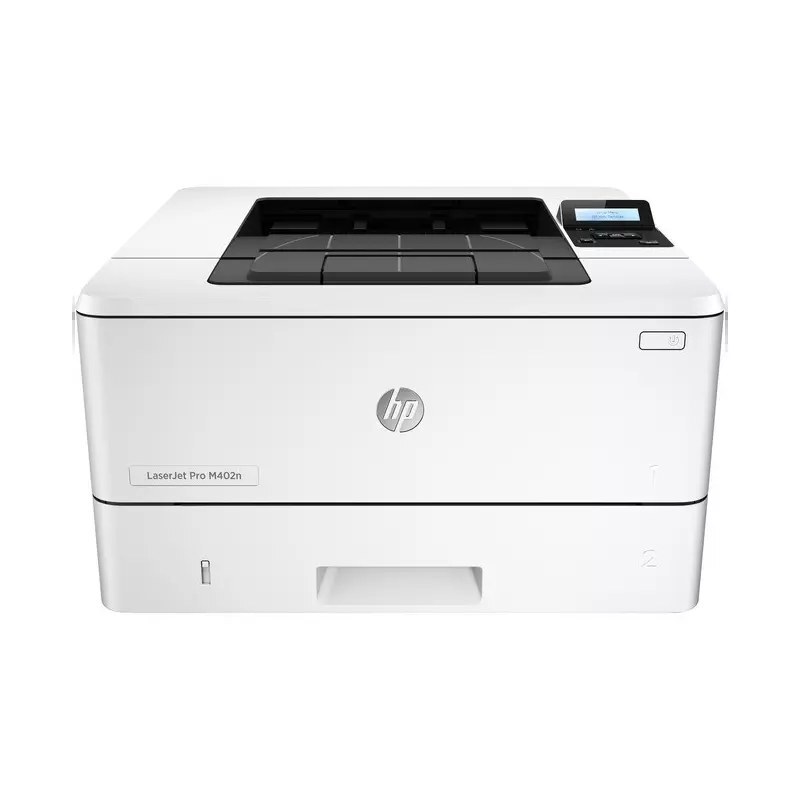
Dating from the mid-2010s, the HP LaserJet M402n MFP is a mono multifunction printer built around one idea: everyday office document printing without drama. The LaserJet M402n MFP was never about flash; it was about everyday office document printing, and on that measure it still delivers. As an MFP, the LaserJet M402n MFP folds scanning and copying into the same box — one machine doing the work of two.
The HP 26A cartridge family powers the LaserJet M402n MFP, with the CF226A as its standard cartridge. Our HP 26A lineup for the LaserJet M402n MFP covers both bases — genuine OEM CF226A cartridges and dependable compatible alternatives.
Toner Cartridges for LaserJet M402n MFP
This printer works with the following toner cartridges:
- HP CF226A
- HP CF226X
More HP Printers
- LaserJet M402D
- LaserJet M402DN
- LaserJet M402DW
- LaserJet M426dw MFP
- LaserJet M426fdn MFP
- LaserJet M426FDW
- LaserJet Pro M402
Frequently Asked Questions
Which cartridge codes fit the LaserJet M402n MFP?
The LaserJet M402n MFP fits CF226A, CF226X. The code printed on the box is what matters; matching it exactly is how you avoid returns.
When should I replace the toner in my LaserJet M402n MFP?
Swap the CF226A when prints from the LaserJet M402n MFP fade, streak, or the printer reports the cartridge as empty. "Toner low" warnings arrive earlier and still leave room to print, so keep a spare CF226A ready. Change it when quality visibly drops, not at the first warning.
Where do I get drivers and firmware for the LaserJet M402n MFP?
Download them from HP's official support site — search for the LaserJet M402n MFP and choose your operating system. Current drivers fix printing, scanning, and connectivity problems, so keep them updated. Skip third-party driver sites, which often bundle unwanted software.