




COLOR LASERJET 5550HDN
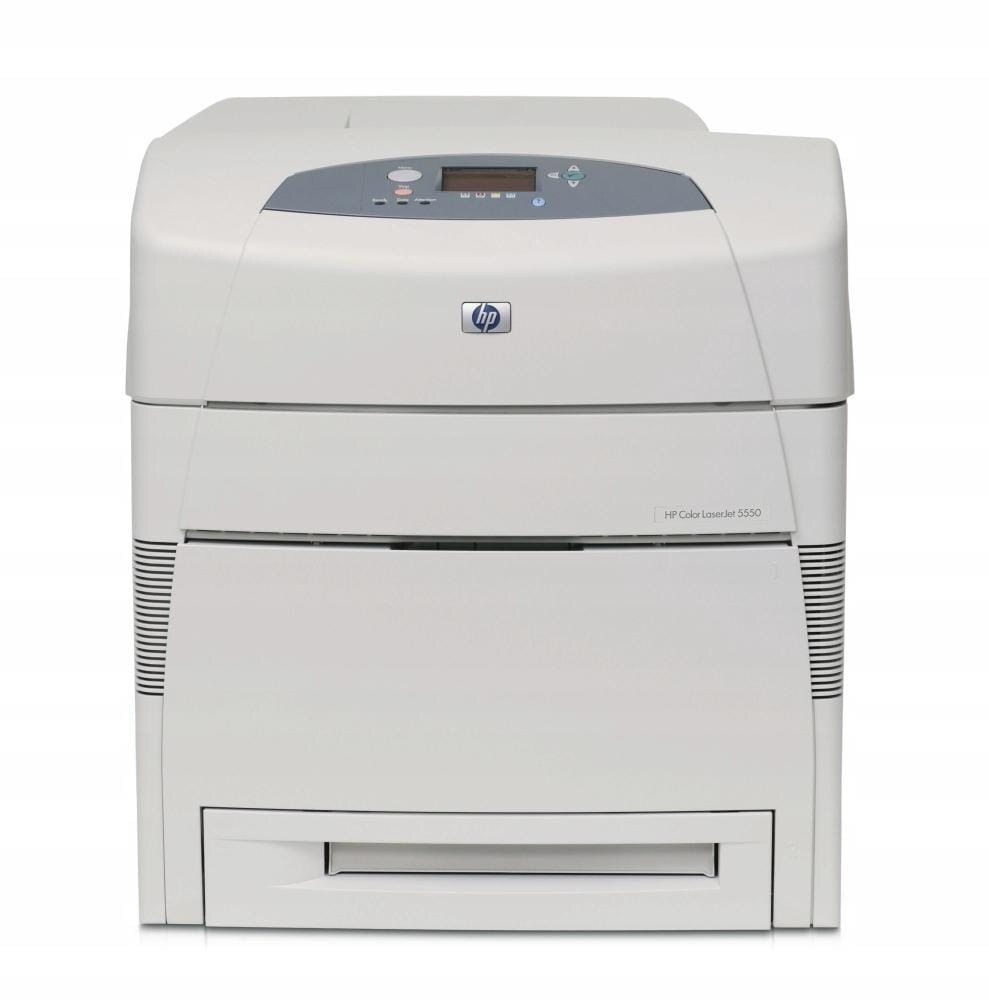
Built for relentless use, the HP Color LaserJet 5550HDN was the high-duty wide-format workhorse. Departments with constant A3 color demand kept it running for years.
It runs HP 645A toner — black C9730A alongside cyan C9731A, magenta C9732A and yellow C9733A. Compatible and genuine OEM cartridges are both on the shelf.
Toner Cartridges for COLOR LASERJET 5550HDN
This printer works with the following toner cartridges:
- HP C9730A
- HP C9731A
- HP C9732A
- HP C9733A
More HP Printers
- COLOR LASERJET 5500
- COLOR LASERJET 5500DN
- COLOR LASERJET 5500DTN
- COLOR LASERJET 5500HDN
- COLOR LASERJET 5500N
- COLOR LASERJET 5550
- COLOR LASERJET 5550DN
- COLOR LASERJET 5550DTN
- COLOR LASERJET 5550N
Frequently Asked Questions
What toner does the COLOR LASERJET 5550HDN take?
The COLOR LASERJET 5550HDN needs all four of these cartridges installed: C9730A, C9731A, C9732A, C9733A. Any cartridge set marketed as a replacement for these exact codes will work in the COLOR LASERJET 5550HDN.
Does the COLOR LASERJET 5550HDN support automatic double-sided printing?
Yes — the duplex unit is built into the COLOR LASERJET 5550HDN, so choose the two-sided option in your print dialog and it flips each sheet automatically. It works with plain paper loaded in the COLOR LASERJET 5550HDN's main tray.
Where can I download drivers for the COLOR LASERJET 5550HDN?
HP publishes drivers for the COLOR LASERJET 5550HDN on its official support site — search the model name there and pick the package for your operating system. For older models like the COLOR LASERJET 5550HDN, Windows and macOS often install a working driver automatically over USB or network.