




COLOR LASERJET 5550DTN
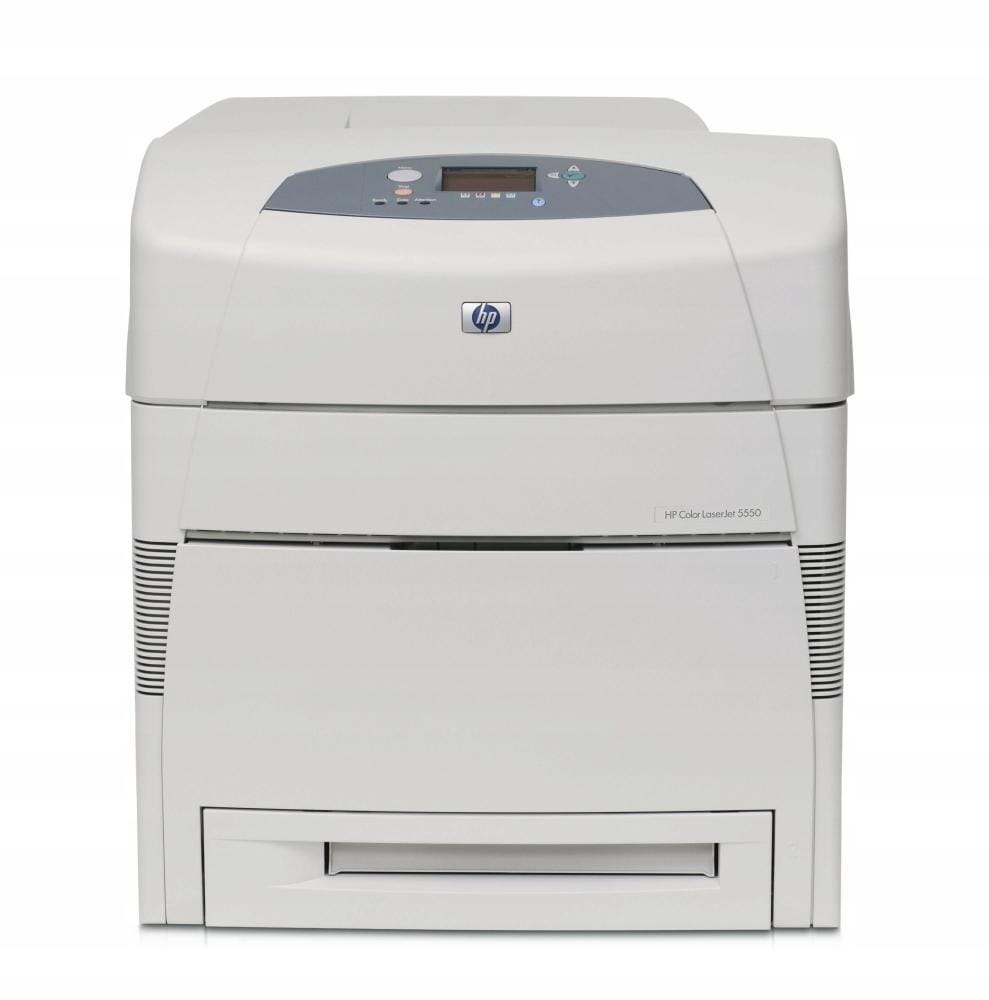
Maximum paper capacity defined the HP Color LaserJet 5550DTN for high-volume wide-format departments. Big color jobs printed with little need for attention.
HP 645A toner powers it: C9730A black plus C9731A/C9732A/C9733A color. We stock compatible and genuine OEM cartridges for the 5550DTN.
Toner Cartridges for COLOR LASERJET 5550DTN
This printer works with the following toner cartridges:
- HP C9730A
- HP C9731A
- HP C9732A
- HP C9733A
More HP Printers
- COLOR LASERJET 5500
- COLOR LASERJET 5500DN
- COLOR LASERJET 5500DTN
- COLOR LASERJET 5500HDN
- COLOR LASERJET 5500N
- COLOR LASERJET 5550
- COLOR LASERJET 5550DN
- COLOR LASERJET 5550HDN
- COLOR LASERJET 5550N
Frequently Asked Questions
Which toner cartridges are compatible with the COLOR LASERJET 5550DTN?
Look for the exact codes C9730A, C9731A, C9732A, C9733A — one black and three color cartridges — for the COLOR LASERJET 5550DTN. Sticking to these codes guarantees a proper fit and correct recognition in the COLOR LASERJET 5550DTN.
How do I get the COLOR LASERJET 5550DTN onto my office network?
Plug an Ethernet cable into the network port on the COLOR LASERJET 5550DTN and it will pick up an address automatically from most routers. Print a configuration page from the control panel to find the COLOR LASERJET 5550DTN's IP address for driver setup.
How do I clear a paper jam in the COLOR LASERJET 5550DTN?
Turn the COLOR LASERJET 5550DTN off, open the covers, and gently pull the jammed sheet in the direction it feeds — never yank it sideways. Also check the cartridge area of the COLOR LASERJET 5550DTN, since a sheet can lodge behind one of the toner cartridges.