




Color LaserJet 3550N
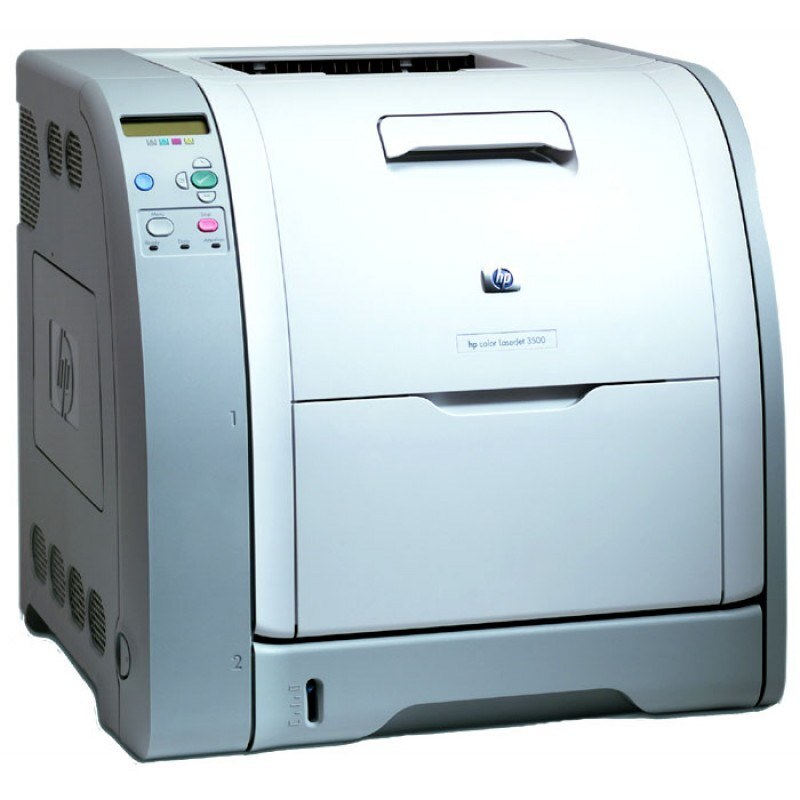
Networking made the HP Color LaserJet 3550N a true shared resource for the office. Multiple users could send color jobs to one dependable machine.
It runs HP 308A black Q2670A with 309A color cartridges Q2671A, Q2672A, Q2673A. We carry compatible and genuine OEM toner for the 3550N.
Toner Cartridges for Color LaserJet 3550N
This printer works with the following toner cartridges:
- HP Q2670A
- HP Q2671A
- HP Q2672A
- HP Q2673A
More HP Printers
- Color 3500
- Color 3500dn
- Color 3500dtn
- Color 3500N
- Color 3550
- Color 3550N
- Color LaserJet 3500
- Color LaserJet 3500dn
- Color LaserJet 3500dtn
- Color LaserJet 3500N
- Color LaserJet 3550
Frequently Asked Questions
Which cartridges fit the Color LaserJet 3550N?
Use Q2670A, Q2671A, Q2672A, Q2673A in the Color LaserJet 3550N — that is the full HP 308A Black + 309A Color set. Compatible replacements work fine as long as they are made for HP 308A Black + 309A Color; the Color LaserJet 3550N will not accept cartridges from other HP families.
How do I clear a paper jam in the Color LaserJet 3550N safely?
With the Color LaserJet 3550N turned off, open the trays and rear access door, and pull jammed paper straight out in the direction of the paper path — never yank sideways. Check for torn scraps, then reload with paper that isn't curled or overfilled.
How much printing is left when the Color LaserJet 3550N reports low toner?
It's normal for the Color LaserJet 3550N to flash 'toner low' well before the cartridge is truly empty. Keep a spare HP 308A Black + 309A Color cartridge handy, and swap it in only when prints fade or the Color LaserJet 3550N refuses to continue.