




Color 3550
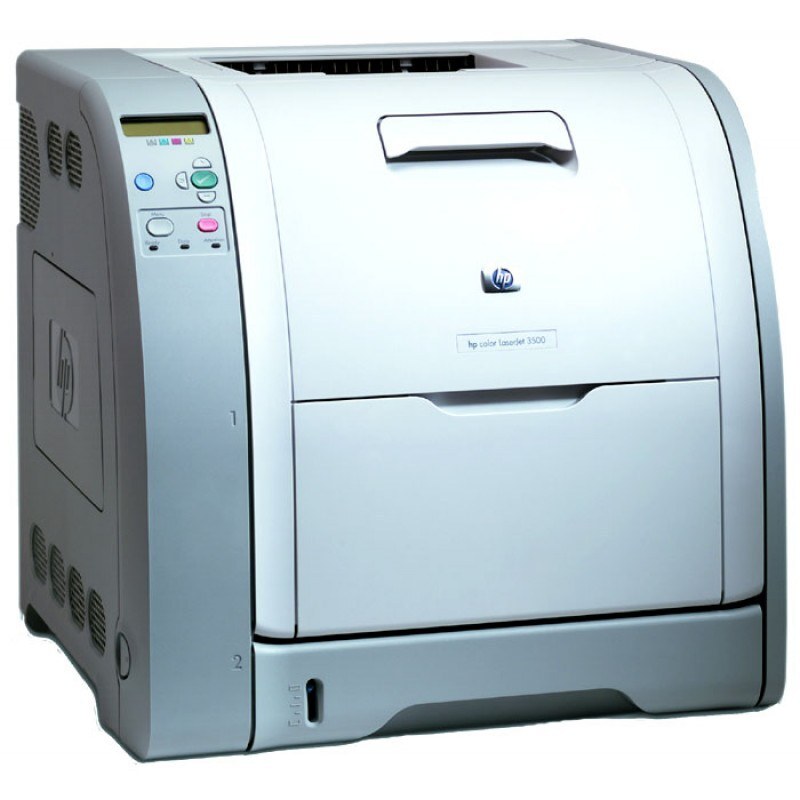
A slightly uprated sibling of the 3500, the HP Color 3550 served offices wanting a bit more from their color laser. It kept the same straightforward operation with a touch more capability.
It runs HP 308A Q2670A black with 309A color Q2671A, Q2672A and Q2673A. We offer compatible and genuine OEM toner for the 3550.
Toner Cartridges for Color 3550
This printer works with the following toner cartridges:
- HP Q2670A
- HP Q2671A
- HP Q2672A
- HP Q2673A
More HP Printers
- Color 3500
- Color 3500dn
- Color 3500dtn
- Color 3500N
- Color 3550N
- Color LaserJet 3500
- Color LaserJet 3500dn
- Color LaserJet 3500dtn
- Color LaserJet 3500N
- Color LaserJet 3550
- Color LaserJet 3550N
Frequently Asked Questions
Can I use compatible (non-OEM) toner cartridges in my Color 3550?
The correct cartridges for the Color 3550 are Q2670A, Q2671A, Q2672A, Q2673A (HP 308A Black + 309A Color). Whether you buy OEM or compatible, that number is what matters — anything outside HP 308A Black + 309A Color will not seat properly in the Color 3550.
What is the most economical way to buy toner for the Color 3550?
The simplest way to cut costs on the Color 3550 is buying compatible HP 308A Black + 309A Color cartridges and replacing only the empty one. Defaulting everyday printing to black-and-white also helps the color cartridges last longer.
What should I do when the Color 3550 shows a toner-low warning?
It's normal for the Color 3550 to flash 'toner low' well before the cartridge is truly empty. Keep a spare HP 308A Black + 309A Color cartridge handy, and swap it in only when prints fade or the Color 3550 refuses to continue.