




Color LaserJet 3550
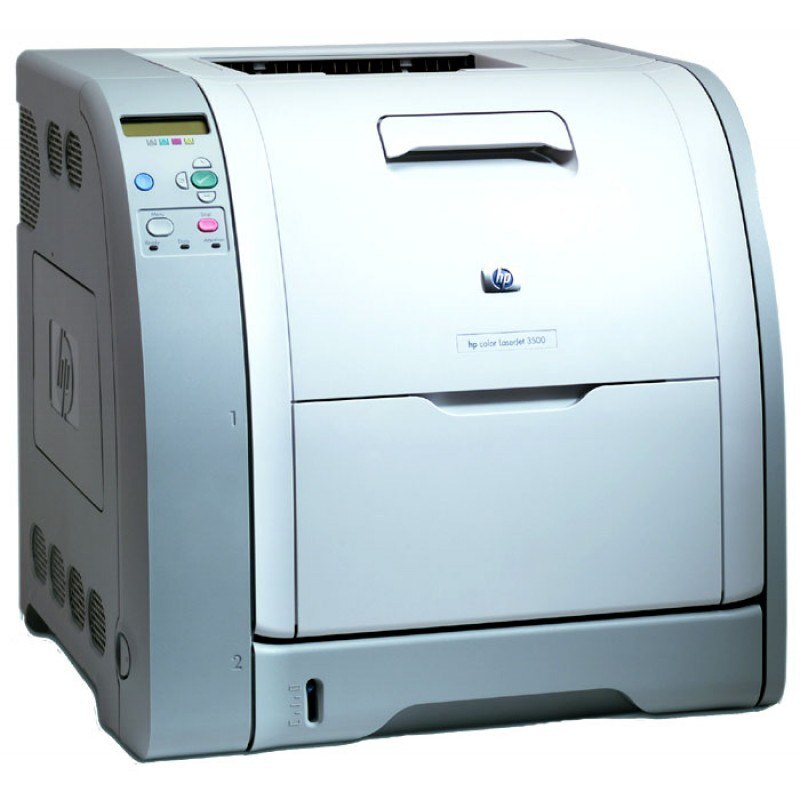
The HP Color LaserJet 3550 refined the 3500 formula with a bit more performance for growing offices. Color proposals, newsletters and presentations came out crisp and professional.
Toner is the HP 308A/309A set — black Q2670A plus cyan Q2671A, magenta Q2672A, yellow Q2673A. Compatible and genuine OEM options are both on the shelf.
Toner Cartridges for Color LaserJet 3550
This printer works with the following toner cartridges:
- HP Q2670A
- HP Q2671A
- HP Q2672A
- HP Q2673A
More HP Printers
- Color 3500
- Color 3500dn
- Color 3500dtn
- Color 3500N
- Color 3550
- Color 3550N
- Color LaserJet 3500
- Color LaserJet 3500dn
- Color LaserJet 3500dtn
- Color LaserJet 3500N
- Color LaserJet 3550N
Frequently Asked Questions
What toner does the Color LaserJet 3550 use?
Use Q2670A, Q2671A, Q2672A, Q2673A in the Color LaserJet 3550 — that is the full HP 308A Black + 309A Color set. Compatible replacements work fine as long as they are made for HP 308A Black + 309A Color; the Color LaserJet 3550 will not accept cartridges from other HP families.
What should I check if paper keeps jamming in the Color LaserJet 3550?
Frequent jams in the Color LaserJet 3550 are often about paper, not the printer: use dry, flat sheets and don't overfill the tray. If a jam occurs, remove every scrap and restart the Color LaserJet 3550 before printing again.
How can I reduce toner costs for the Color LaserJet 3550?
To stretch a HP 308A Black + 309A Color set in the Color LaserJet 3550, print internal documents in grayscale, use the draft or toner-save mode for throwaway pages, and keep cartridges sealed until the Color LaserJet 3550 actually needs them.