




Xpress M2071FH
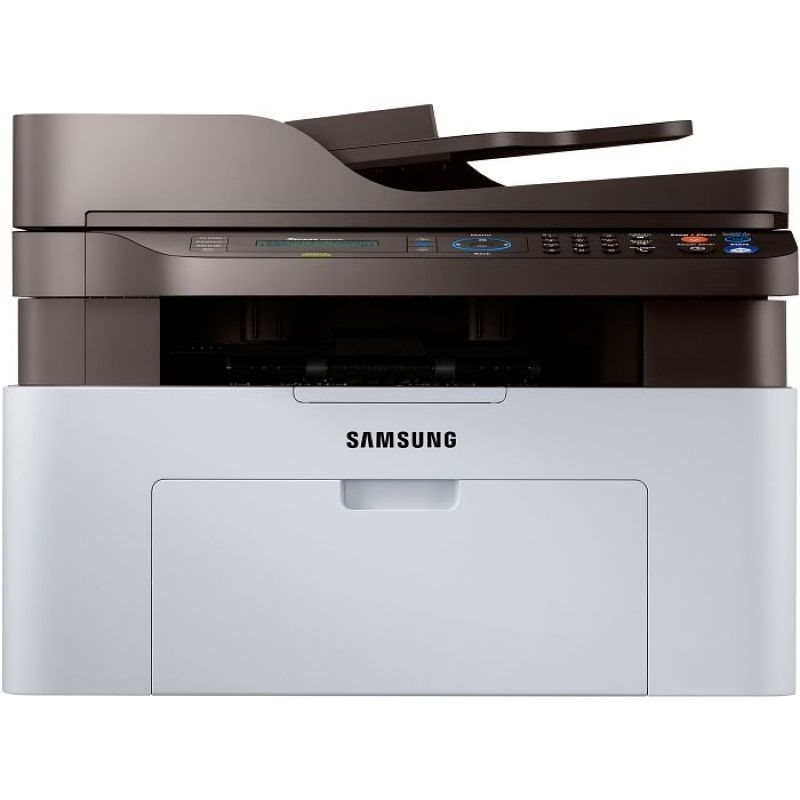
The Xpress M2071FH is a fax-equipped regional variant in Samsung's M2070 multifunction family, delivering print, scan, copy, and fax from a compact desktop unit. Small offices with fax needs get it all in one box.
The MLT-D111S standard or MLT-D111L high-yield cartridge keeps it fed. We stock both as affordable compatibles and as genuine Samsung OEM stock, shipping fast from Clever Supplies.
Toner Cartridges for Xpress M2071FH
This printer works with the following toner cartridges:
- Samsung MLT-D111S
- Samsung MLT-D111L
More Samsung Printers
- Xpress M2020
- Xpress M2022
- Xpress M2070F
- Xpress M2071
- Xpress M2020W
- Xpress M2022W
- Xpress M2070FW
- Xpress M2021
- Xpress M2070
- Xpress M2070W
- Xpress M2071W
- Xpress M2021W
Frequently Asked Questions
How should I handle the old cartridge when replacing toner in the Xpress M2071FH — any tricks to keep the powder contained?
Work over a covered surface and pull the spent cartridge straight out without tipping it; the used MLT-D111S still holds loose toner. Slide the new cartridge into the Xpress M2071FH along its rails until it clicks; forcing it means it is misaligned, not stuck. Done this way, a cartridge change leaves no trace behind.
Is the high-yield version of the MLT-D111S family worth it for the Xpress M2071FH, and will the printer accept both?
The only real difference between the MLT-D111S and the MLT-D111L is how much toner is inside — installation and output are the same. There is no compatibility risk either way: the Xpress M2071FH accepts both yields without any settings change. Once you match yield to usage, the choice is easy.
I put a fresh cartridge in the Xpress M2071FH and it still reports it as empty — could I have bought the wrong code before calling for help?
The Xpress M2071FH reads a small chip on the MLT-D111S, so anything blocking that contact — toner dust, a missed pull-tab — triggers an error. Verify the box code matches the MLT-D111S / MLT-D111L family — a close-but-wrong code is a classic cause of 'incompatible cartridge' messages on the Xpress M2071FH. A careful reinstall beats a support call almost every time.