




Xpress M2071
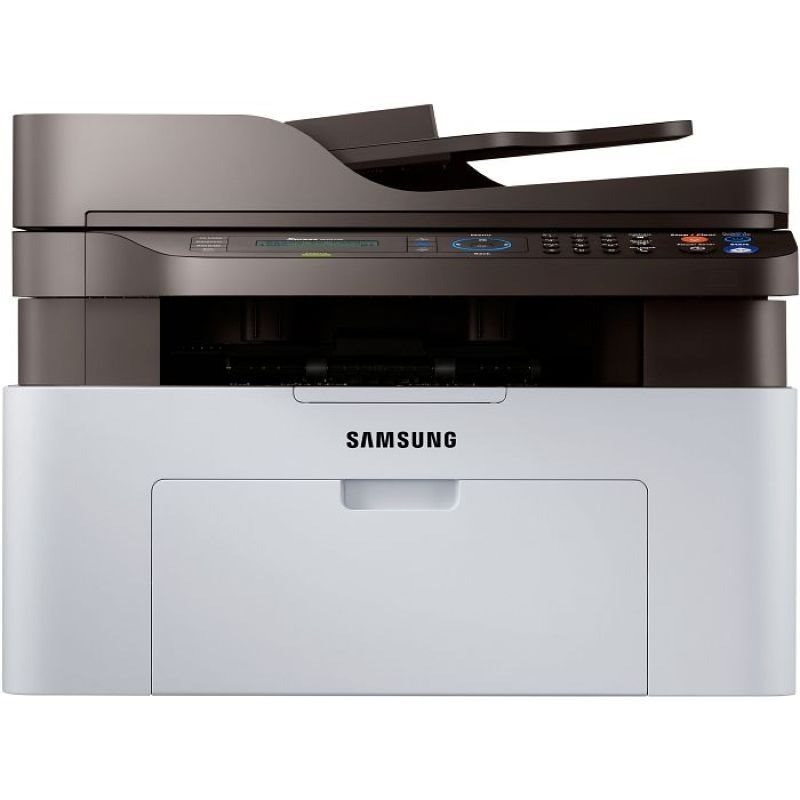
Samsung's Xpress M2071 is the regional variant of the M2070 multifunction, packing print, scan, and copy into the Xpress line's compact chassis. A true small-footprint all-in-one for tight home offices.
It feeds on the MLT-D111S or the longer-running MLT-D111L. We carry compatible cartridges for economy and genuine OEM cartridges for originality, both shipping fast from Clever Supplies.
Toner Cartridges for Xpress M2071
This printer works with the following toner cartridges:
- Samsung MLT-D111S
- Samsung MLT-D111L
More Samsung Printers
- Xpress M2020
- Xpress M2022
- Xpress M2070F
- Xpress M2020W
- Xpress M2022W
- Xpress M2070FW
- Xpress M2071FH
- Xpress M2021
- Xpress M2070
- Xpress M2070W
- Xpress M2071W
- Xpress M2021W
Frequently Asked Questions
What are the signs the drum — not the toner — is done on the Xpress M2071, and can I keep printing with a tired drum for normal use?
Yes, the drum in the Xpress M2071 is designed to outlast several toner cartridges, so most of your purchases will just be the MLT-D111S or MLT-D111L. Visually, a worn drum often looks shiny or unevenly coated compared with a fresh one — inspect it under good light. That symptom-based timing gets the full value out of every imaging unit.
What toner do I need for my Xpress M2071, and what do the S and L suffixes mean for everyday use?
Only the MLT-D111S or MLT-D111L codes are made for the Xpress M2071; cartridges for other Samsung families will not seat correctly. This is a monochrome printer, so there are no color cartridges for it — just the black MLT-D111S / MLT-D111L in standard or high yield. Exact-code shopping keeps the whole process painless.
My Xpress M2071 is producing prints that seem faint, especially on solid areas halfway through a cartridge's life?
A cartridge nearing empty is the most common cause, but drum wear on the Xpress M2071 can mimic low toner exactly. If rocking the cartridge temporarily restores darkness, the toner really is the issue and a replacement MLT-D111S or MLT-D111L is due soon. Once you know which part is tired, the fix is straightforward.