




Xpress M2020W
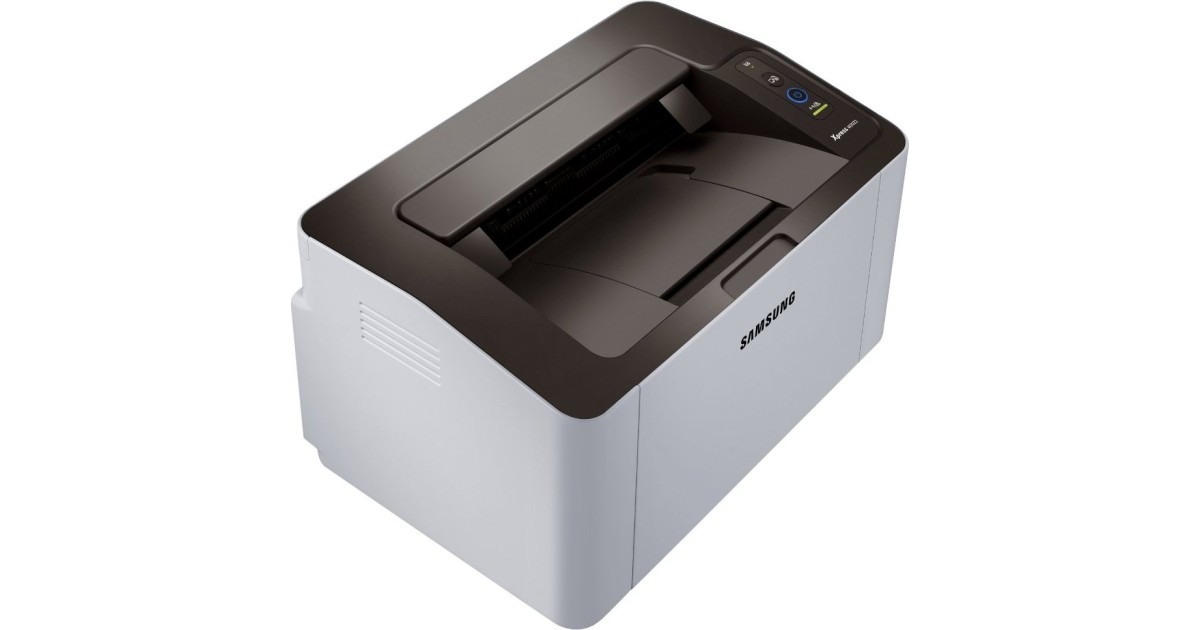
Cut the cable on the Xpress M2020 and you get the M2020W, Samsung's wireless compact mono laser. It can perch on a bookshelf while phones and laptops send print jobs over Wi-Fi, which is exactly how a small printer should behave.
The cartridge is the MLT-D111S standard, with the MLT-D111L high-yield as the upgrade. Compatible or genuine OEM, both are stocked here with fast shipping from Clever Supplies.
Toner Cartridges for Xpress M2020W
This printer works with the following toner cartridges:
- Samsung MLT-D111S
- Samsung MLT-D111L
More Samsung Printers
- Xpress M2020
- Xpress M2022
- Xpress M2070F
- Xpress M2071
- Xpress M2022W
- Xpress M2070FW
- Xpress M2071FH
- Xpress M2021
- Xpress M2070
- Xpress M2070W
- Xpress M2071W
- Xpress M2021W
Frequently Asked Questions
Why are there vertical streaks on every print from the Xpress M2020W that will not go away after I wipe the paper path on plain text documents?
Random spots tend to mean loose toner inside the printer, while neat vertical lines point to the drum or the charge roller. Measure the distance between repeating marks and compare it with the drum circumference noted in the Xpress M2020W manual; a match confirms the drum. Catching it early with a visual check beats guessing between a new MLT-D111S and a new drum.
Does a spare MLT-D111S for my Xpress M2020W go bad sitting in a closet, and does heat or light damage it over several months?
An unopened cartridge stores well for a long time as long as it stays sealed, upright, and at normal room temperature. When you finally install the stored cartridge in the Xpress M2020W, rock it gently side to side first to redistribute any settled toner. Store it right and the spare prints like new when its turn comes.
How do I fix a cartridge error on the Xpress M2020W after a swap — should I reinstall the old one to test on this model?
The Xpress M2020W reads a small chip on the MLT-D111S, so anything blocking that contact — toner dust, a missed pull-tab — triggers an error. If the old cartridge is recognized when reinstalled, the new one's chip is the likely fault and a replacement is warranted. Check the simple things first and the error usually clears.