




Xpress M2021W
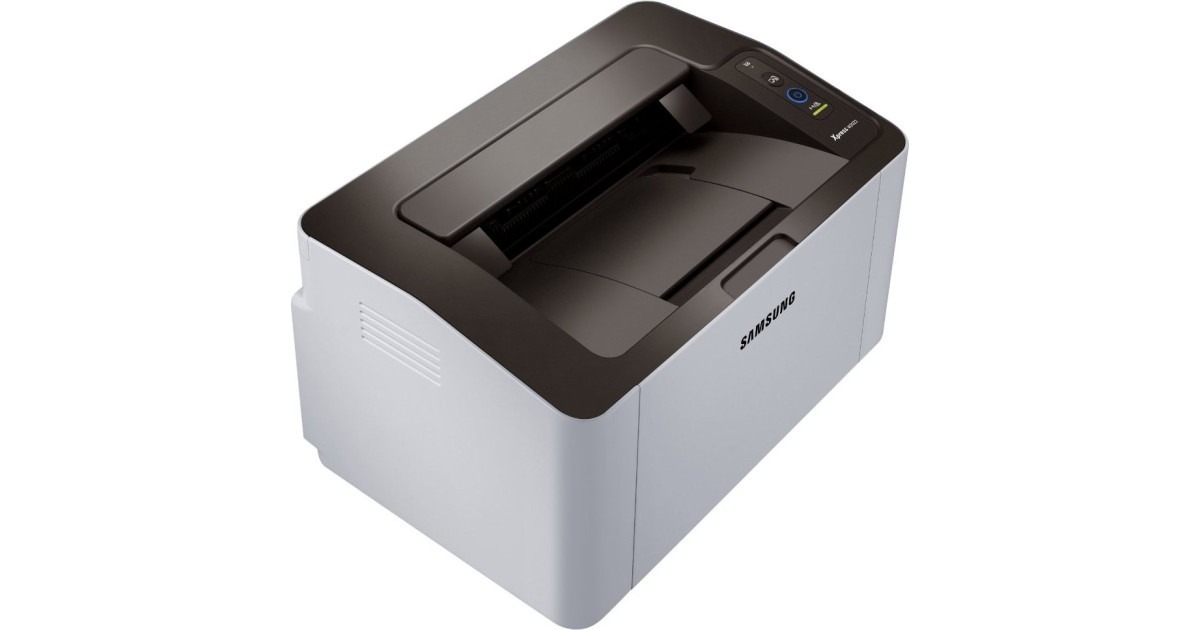
The Xpress M2021W adds wireless to Samsung's regional M2021 compact mono laser, so the little printer can sit out of the way while devices print over the network. Small size, no cables, sharp pages.
It takes the MLT-D111S cartridge, with the MLT-D111L high-yield as the step-up. Compatible or genuine OEM, both ship fast from Clever Supplies.
Toner Cartridges for Xpress M2021W
This printer works with the following toner cartridges:
- Samsung MLT-D111S
- Samsung MLT-D111L
More Samsung Printers
- Xpress M2020
- Xpress M2022
- Xpress M2070F
- Xpress M2071
- Xpress M2020W
- Xpress M2022W
- Xpress M2070FW
- Xpress M2071FH
- Xpress M2021
- Xpress M2070
- Xpress M2070W
- Xpress M2071W
Frequently Asked Questions
Why is the white paper coming out gray from my Xpress M2021W, and which part of the printer causes it on text documents?
Background haze is a drum symptom far more often than a toner symptom; the MLT-D111S just supplies powder, the drum controls where it lands. Check whether the gray is worse on one side of the page; uneven backgrounding points even more firmly at drum wear. Fixing it at the drum level restores the crisp output the Xpress M2021W is capable of.
What makes the Xpress M2021W produce the same smudge in the same place on each page, and can a cartridge swap fix it even on a test page?
When the same mark repeats at regular intervals down the page, the drum surface inside the Xpress M2021W is usually damaged or worn. Wipe the accessible rollers with a dry, lint-free cloth first, since loose toner from a recent MLT-D111S change can cause temporary spotting. Catching it early with a visual check beats guessing between a new MLT-D111S and a new drum.
Why does my Xpress M2021W say the cartridge is incompatible — could I have bought the wrong code before calling for help?
Recognition failures are frustrating but are most often installation issues rather than hardware failures. After reinstalling, print a supplies status page to confirm the Xpress M2021W now sees the cartridge correctly. Patience with the reinstall usually pays off immediately.