




Xpress M2070F
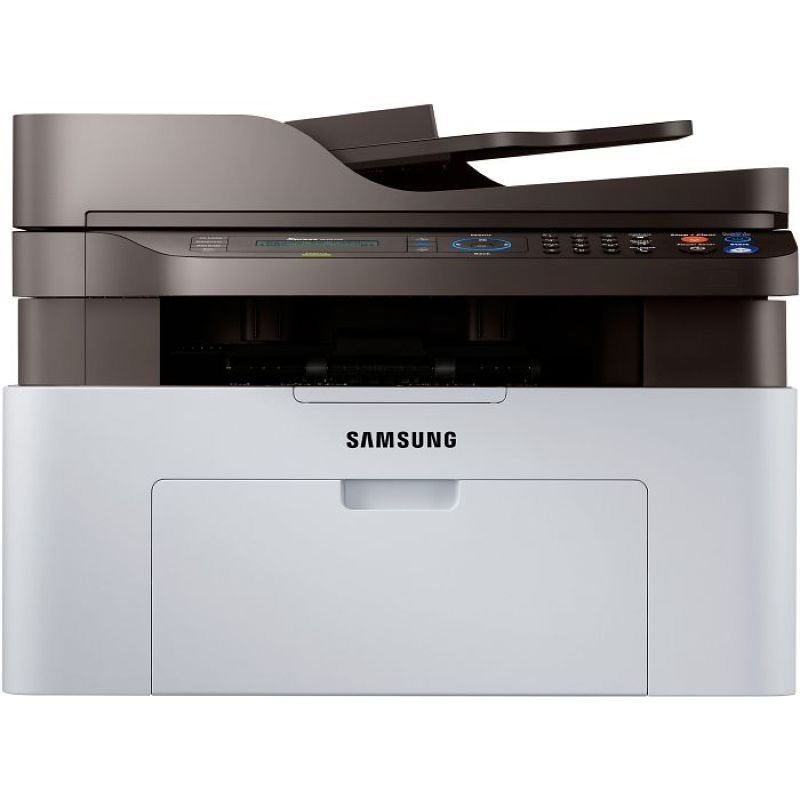
Fax capability joins the Xpress multifunction in the M2070F, a compact mono MFP that prints, scans, copies, and faxes. It is built for home offices that still need a fax line without giving up half the desk to hardware.
The M2070F takes the MLT-D111S standard or MLT-D111L high-yield cartridge. Compatible and genuine Samsung OEM versions are both available, shipping fast from Clever Supplies.
Toner Cartridges for Xpress M2070F
This printer works with the following toner cartridges:
- Samsung MLT-D111S
- Samsung MLT-D111L
More Samsung Printers
- Xpress M2020
- Xpress M2022
- Xpress M2071
- Xpress M2020W
- Xpress M2022W
- Xpress M2070FW
- Xpress M2071FH
- Xpress M2021
- Xpress M2070
- Xpress M2070W
- Xpress M2071W
- Xpress M2021W
Frequently Asked Questions
What makes the Xpress M2070F produce the same smudge in the same place on each page, and can a cartridge swap fix it before I buy replacement parts?
Vertical lines and repeating marks almost always come from the drum or a dirty roller, not from low toner in the MLT-D111S. Measure the distance between repeating marks and compare it with the drum circumference noted in the Xpress M2070F manual; a match confirms the drum. That diagnosis keeps the repair focused on the part that is actually failing.
I put a fresh cartridge in the Xpress M2070F and it still reports it as empty — should I reinstall the old one to test on this model?
A cartridge that 'will not print' right after a swap is usually a seating or seal problem, not a defective cartridge. Verify the box code matches the MLT-D111S / MLT-D111L family — a close-but-wrong code is a classic cause of 'incompatible cartridge' messages on the Xpress M2070F. Work through the seating and seal checks first — they resolve most errors in minutes.
How do I know whether my Xpress M2070F needs a new drum or just toner, and which part wears out first for this model?
In the Xpress M2070F, the toner cartridge and the imaging drum are separate parts with very different replacement intervals. The multifunction printer may show a drum-life warning on its panel or status page, separate from any toner-low message. Keep the two roles straight and troubleshooting gets much simpler.