




Xpress M2022W
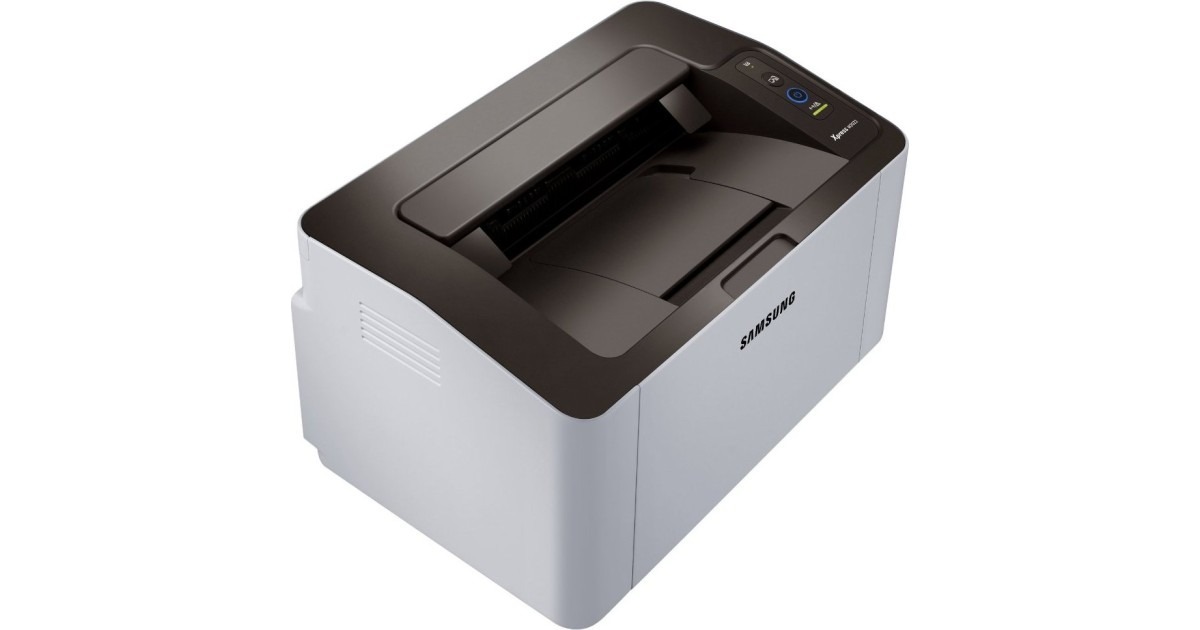
The Xpress M2022W pairs Samsung's compact M2022 mono engine with built-in wireless, so the little printer can live anywhere with an outlet. Shared family printing without the USB shuffle is the whole appeal.
It runs on the MLT-D111S or MLT-D111L cartridge. Our compatible versions keep costs low; genuine OEM versions keep it all-original. Fast shipping from Clever Supplies.
Toner Cartridges for Xpress M2022W
This printer works with the following toner cartridges:
- Samsung MLT-D111S
- Samsung MLT-D111L
More Samsung Printers
- Xpress M2020
- Xpress M2022
- Xpress M2070F
- Xpress M2071
- Xpress M2020W
- Xpress M2070FW
- Xpress M2071FH
- Xpress M2021
- Xpress M2070
- Xpress M2070W
- Xpress M2071W
- Xpress M2021W
Frequently Asked Questions
Why does my Xpress M2022W jam and smudge more in summer — does paper storage really matter that much before I blame the cartridge?
On humid days the culprit is often the paper stack, not the MLT-D111S — moisture changes how every sheet behaves. Fanning the stack before loading helps, but it cannot fix paper that has already absorbed significant moisture. Fresh, dry paper lets the Xpress M2022W show what it can really do.
Prints from my Xpress M2022W come out with toner that brushes right off — is that a fuser problem or bad toner after the page cools?
When toner sits on the surface instead of melting into the fibers, the fuser — the hot roller at the Xpress M2022W's output — is the prime suspect. Test with standard copy paper on the plain setting — if that fuses fine, the issue was the media, not the printer. Match the setting to the paper before suspecting hardware — it fixes most cases.
Is gently rocking the cartridge a real fix for my Xpress M2022W — what is the right way to redistribute the toner?
Gently rolling the cartridge back and forth levels out the leftover toner, which can clear the Xpress M2022W's low-toner stop long enough to finish a job. If print quality stays faded even after redistributing, the cartridge is truly empty and no amount of rocking will help. It is a handy emergency move while the replacement ships.