




Xpress M2022
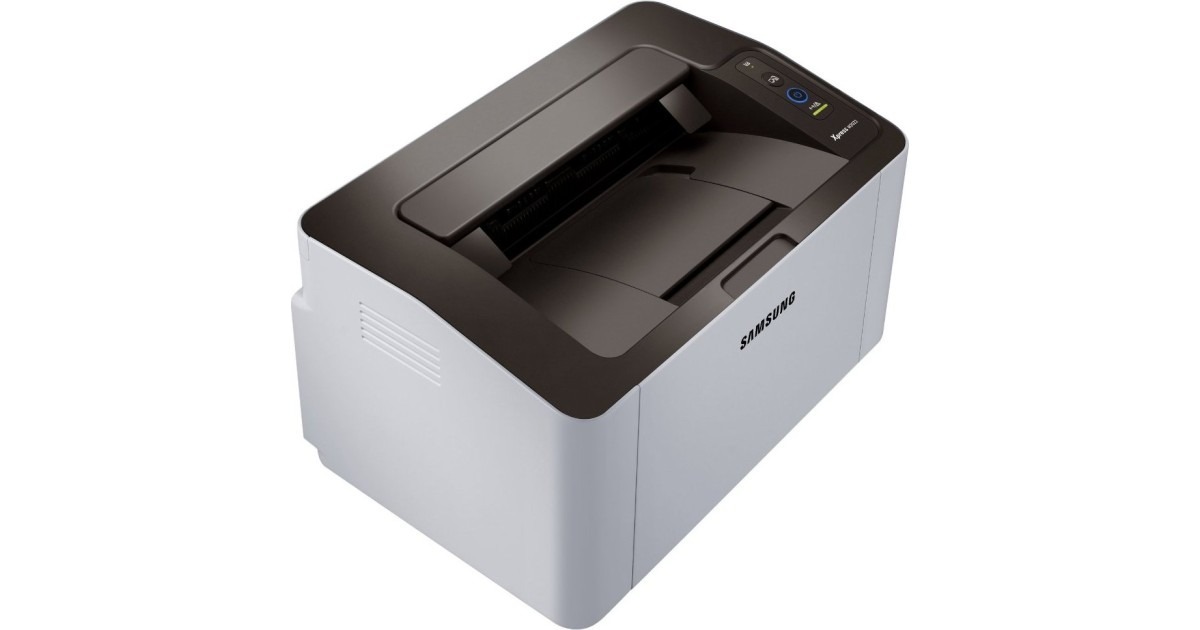
Two badges, one printer: the Xpress M2022 is the regional sibling of the M2020, sharing its compact Xpress mono engine and its easygoing nature — so if this is the badge your retailer sold you, the tidy little machine underneath is the same. Shopping for it works best by code rather than badge: this printer takes the MLT-D111S standard cartridge, with the MLT-D111L high-yield as the family's longer-running option.
Regional variants exist because the same printer is sold through different channels in different markets, and the only thing that changes is the name on the front. Everything that matters to an owner — the paper path, the controls, the cartridge — carries over unchanged. That is why the listings below wear the Xpress M2020 name: they are the shared family cartridges, stocked once for every badge in the line, and they are exactly what this printer uses.
Toner Cartridges for Xpress M2022
| Cartridge | Color | Page Yield |
| MLT-D111S — Xpress M2020 Toner Cartridge, Single | Black | See product page |
| MLT-D111S — Xpress M2020 Toner Cartridge, 2 Pack | Black | See product page |
| MLT-D111S — Xpress M2020 Toner Cartridge, 3 Pack | Black | See product page |
| MLT-D111S — Xpress M2020 Toner Cartridge, 5 Pack | Black | See product page |
| MLT-D111S — Xpress M2020 Toner Cartridge, 10 Pack | Black | See product page |
Which cartridge should you buy?
The badge question settles first: buy the code, and the cartridge will fit. After that the choice is the family's usual ladder. A single MLT-D111S covers light, occasional use; the 2 and 3 Packs suit a household that prints weekly and wants a spare permanently on hand; and the 5 and 10 Packs serve the M2022s working as home-office regulars. If the printer's workload keeps growing, remember the family also runs the MLT-D111L high-yield — same fit, longer interval between changes.
Chip, toner and everyday use
Most cartridge errors on a regional variant trace back to a near-neighbor code: a cartridge from a different Samsung family can look right on the shelf and still be refused by the printer, because the chip is read before the first page. Verify the box code against MLT-D111S or MLT-D111L before opening the bag — an unopened wrong cartridge is a return, an opened one is a lesson. Pull every sealing strip fully clear at installation, and let the cartridge slide home on its rails rather than pressing it down into place.
Frequently Asked Questions
Is the Xpress M2022 actually a different printer from the M2020?
Not in any way that affects ownership. It is the regional sibling of the same compact mono laser, sold under a different badge for a different market. The cartridge family, and the way the machine behaves day to day, are shared with the M2020.
Why does every listing on this page say M2020 instead of M2022?
Because the cartridges are stocked under the family's lead name. The M2020-named listings are the shared supply for the whole group of sibling models, this one included. Shop by the MLT-D111S code and the naming stops mattering.
Will an MLT-D111S cartridge seat properly in the M2022?
Yes — it is the standard cartridge this printer was built around, badge notwithstanding. If a cartridge refuses to seat, the code on its box is the first thing to check; a wrong-family cartridge is the usual explanation.
Standard or high-yield for a student's desk?
The standard MLT-D111S usually wins that argument: term-time printing is bursty, and a standard cartridge plus a spare covers it. The high-yield MLT-D111L earns its keep when the printer doubles as the household's or a small office's daily machine.
More printers that use the same cartridges
Every badge in this sibling group drinks from the same cartridge shelf:
Xpress M2071W, Xpress M2071FH, Xpress M2071, Xpress M2070W, Xpress M2070FW, Xpress M2070F, Xpress M2070, Xpress M2022W, Xpress M2021W, Xpress M2021, Xpress M2020W, Xpress M2020, Samsung-MLTD111S