




SL-M4020ND
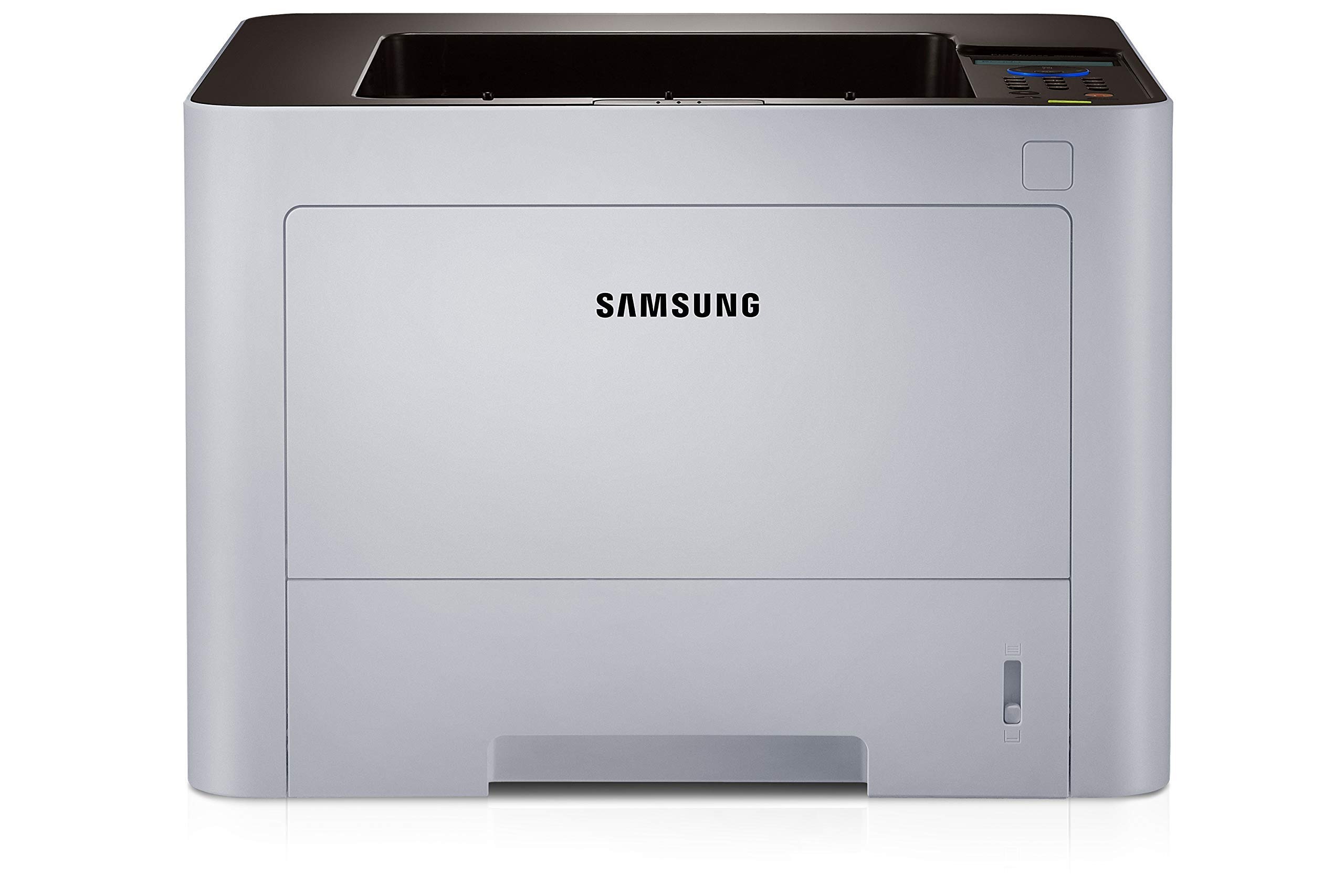
Networking and duplexing define Samsung’s SL-M4020ND, the shared-office configuration of the ProXpress 4020 business printer: Ethernet reliability and two-sided printing in one durable machine. It feeds on the MLT-D203 family — the standard MLT-D203S, the high-yield MLT-D203L, the ultra-high-yield MLT-D203U or the extra-high-yield MLT-D203E.
The ND formula — networked, duplexing — is the configuration departments standardize on because it removes two frictions at once: everyone can reach the printer, and paper waste halves by default. Toner planning inherits that same spirit of removing friction. A shared queue fed by a whole floor deserves cartridge sizes chosen once, sensibly, rather than re-decided at every empty tray.
Toner Cartridges for SL-M4020ND
| Cartridge | Color | Page Yield |
|---|---|---|
| Compatible Samsung MLT-D203U Ultra High Yield Laser Toner Cartridge Black | Black | See product page |
| Compatible Samsung MLT-D203E Extra High Yield Laser Toner Cartridge Black | Black | See product page |
| Compatible Samsung MLT-D203L High Yield Laser Toner Cartridge Black 3 Pack | Black | See product page |
| Compatible Samsung MLT-D203L Premium Quality High Yield Laser Toner Cartridge Black 5 Pack | Black | See product page |
| Compatible Samsung MLT-D203L High Yield Laser Toner Cartridge Black | Black | See product page |
Which cartridge should you buy?
For a floor-shared machine, capacity is convenience: the MLT-D203L is the floor, not the ceiling, and its 3-pack and Premium 5-pack versions keep replacements in the building. The MLT-D203E and MLT-D203U stretch the interval further for the busiest queues. The standard MLT-D203S belongs on a desk printer, not on a departmental share. Pair the big fill with the duplex default this model was bought for, and both sides of the consumables budget — toner and paper — run lean. Quality is identical at every tier.
Chip, toner and everyday use
Leave this printer asleep rather than off. Sleep mode cuts power draw dramatically while avoiding the brief calibration cycle every cold start runs, and there is no consumable-related reason to power down nightly — the cartridge neither gains nor loses life from the machine’s rest state. When you do swap toner, note that eco settings live in two places: the print driver and, on most Samsung models, the panel. Toner-save applies to copies as well as prints, so check both paths if you want consistent savings.
Frequently Asked Questions
What is the best sleep timer setting for the SL-M4020ND?
Short enough to matter, long enough to not cycle constantly through the workday — and the cartridge is indifferent either way. Power-cycling daily doesn’t meaningfully affect the toner; each cold start just runs a brief calibration. Sleep is the setting that saves power without the start-up wear, which is why most departments simply leave it enabled.
Does eco mode really extend the life of a cartridge here?
It extends the pages you get from one, yes — lighter coverage lays down less toner per page, on copies as well as prints. Set draft as the driver default for internal work and keep normal quality one click away for documents that matter; that compromise captures most of the saving without any of the embarrassment of pale client copies.
Is searching by cartridge code more reliable than searching by printer model?
Yes. Model searches surface every cartridge ever associated with a product line, including wrong ones; the code on the cartridge in your hand is unambiguous. If two codes both claim to fit this printer, trust the code molded into your current cartridge — for the SL-M4020ND that is the MLT-D203 family, in whichever yield you prefer.
More printers that use the same cartridges
Standardizing on one cartridge family across a floor only works if the family is broad — and this one covers the whole ProXpress SL range below: SL-M3370, SL-M3370FD, SL-M3370FW, SL-M3820, SL-M3820DW, SL-M3820ND, SL-M3870, SL-M3870FD, SL-M3870FW, SL-M4020, SL-M4070, SL-M4070FR, Samsung-MLTD203, SL-M3320, SL-M3320DW, SL-M3320ND.