




SL-M4020
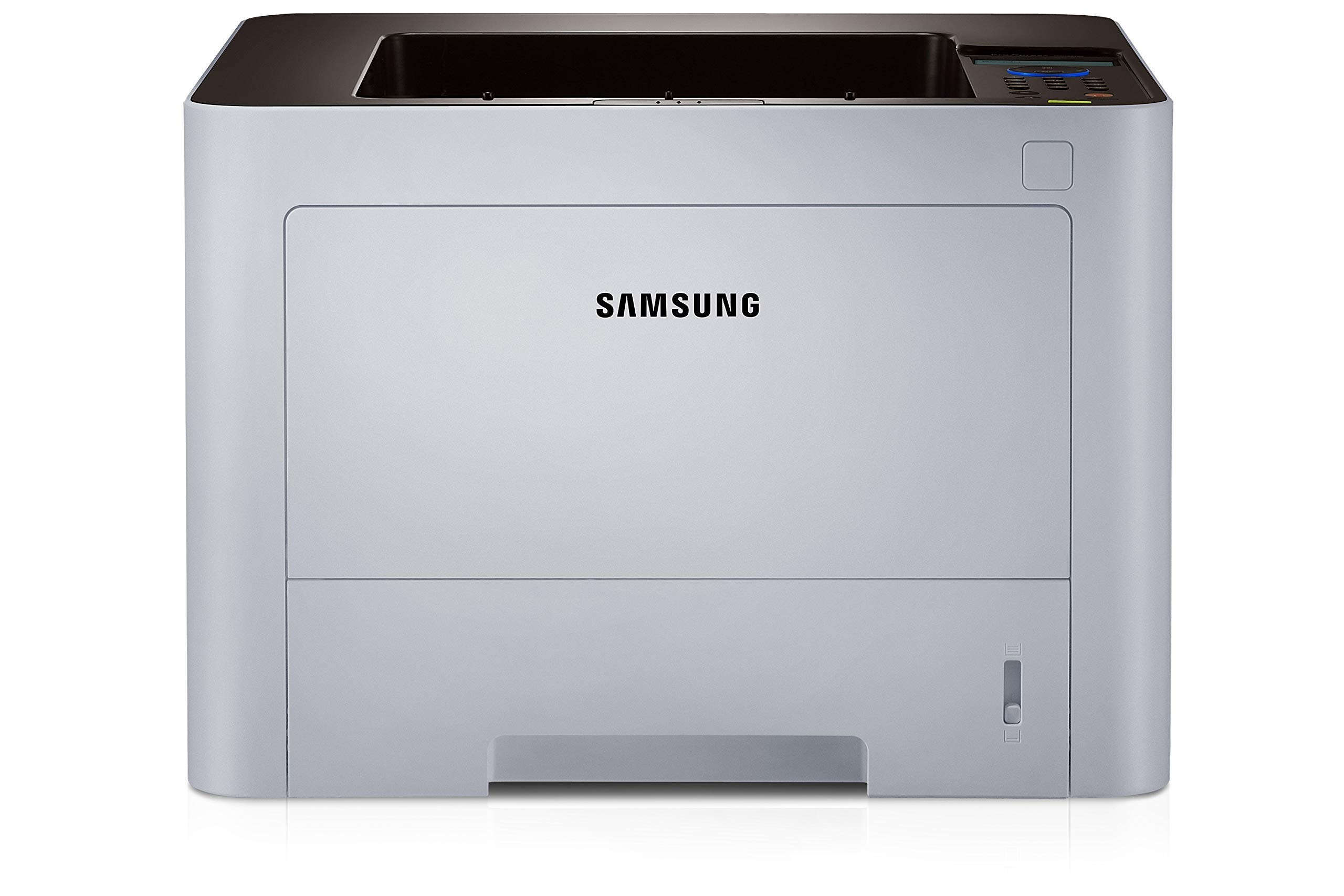
A department with serious daily output is the design brief behind the SL-M4020, the ProXpress mono laser that moves Samsung’s line into a higher performance tier — faster, sturdier, built for the long haul. Its supplies are the MLT-D203 family: the standard MLT-D203S, the high-yield MLT-D203L, the extra-high-yield MLT-D203E and the ultra-high-yield MLT-D203U for the heaviest months.
Departmental printing is a logistics problem wearing a printer’s clothes. Dozens of users, predictable peaks, no patience for a machine standing idle at 4 p.m. on a deadline day. The SL-M4020 answers with durability; its owners answer with supply discipline — the right cartridge size, a spare always on hand, and a reorder habit that triggers long before the tray runs dry.
Toner Cartridges for SL-M4020
| Cartridge | Color | Page Yield |
|---|---|---|
| MLT-D203L | Black | See product page |
| MLT-D203L (3 Pack) | Black | See product page |
| MLT-D203L Premium (5 Pack) | Black | See product page |
| MLT-D203U | Black | See product page |
| MLT-D203E | Black | See product page |
Which cartridge should you buy?
Start from the swap interval you can tolerate. The MLT-D203L in its 3-pack or Premium 5-pack form is the departmental staple; the MLT-D203E stretches the interval further still, and the MLT-D203U exists for the months when output never lets up. A department that leans on this printer will rarely stop at the standard MLT-D203S fill. Whatever you choose, build the one habit that eliminates toner emergencies: reorder at install time, not at empty time, and keep a single spare on the shelf for irregular surges.
Chip, toner and everyday use
Treat the on-screen toner gauge as an estimate, because with any cartridge it is one. The chip reports its data faithfully, but readings can move in jumps — half full one week, suddenly low the next. The reliable gauge is the output itself: watch the pages, and when blacks start to wash out, rock the cartridge gently side to side to redistribute the remaining toner and order the replacement the same day. A scheduled reorder suits predictable volume; the spare covers everything else.
Frequently Asked Questions
At what toner level should I buy the next cartridge for the SL-M4020?
At install time. The moment a fresh cartridge goes in, order its successor — then the shelf is never empty and nobody has to watch a gauge. A subscription or scheduled reorder suits a department with predictable volume, but the install-time habit plus one spare covers irregular use just as well.
Why do toner-level readings jump around with a compatible cartridge?
Because the reading is the chip’s estimate, not a measurement of powder in a tank. Some cartridges report levels smoothly, others step from half to empty with little in between. It does not mean the printer is misreading your pages — it means output quality, not the percentage on screen, is the gauge worth trusting.
What toner do I need for an SL-M4020?
Any cartridge in the MLT-D203 family. Samsung’s numbering is precise: the letter after 203 is a yield tier, not a different fit, so S, L, U and E all seat in this printer while close-but-different codes will not. When in doubt, buy by the code molded on your empty cartridge rather than by the printer’s name.
More printers that use the same cartridges
The departmental shelf is shared. On the print-only side, the same MLT-D203 cartridges feed the SL-M3320, SL-M3320DW, SL-M3320ND, SL-M3820, SL-M3820DW, SL-M3820ND, SL-M3870, SL-M3870FD, SL-M3870FW and SL-M4020ND.
The multifunction branch drinks from the same shelf: SL-M3370, SL-M3370FD, SL-M3370FW, SL-M4070 and SL-M4070FR, plus the family’s own cartridge page, Samsung-MLTD203.