




SL-M3320
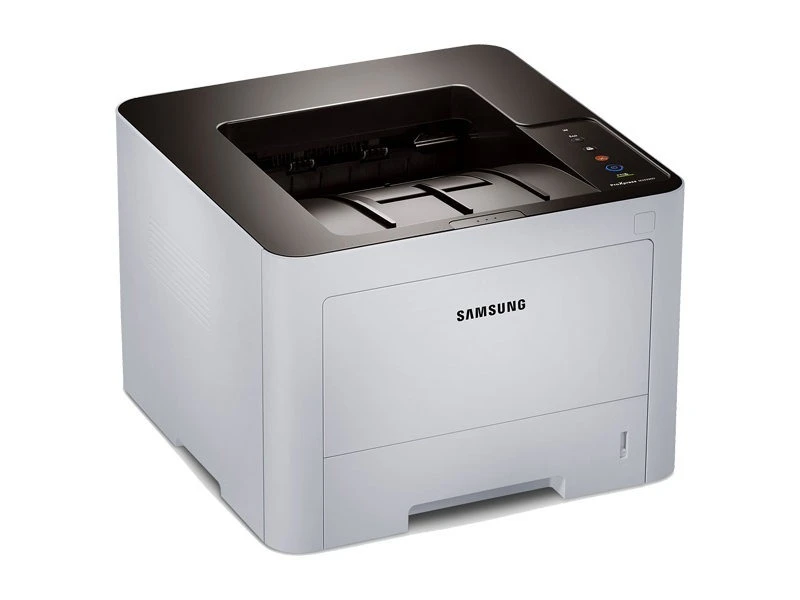
The Samsung SL-M3320 is a ProXpress business mono laser, a step into Samsung's professional tier with the build quality and paper handling a real office demands. Single-function printing, done properly.
It takes the MLT-D203 family of cartridges: standard MLT-D203S, high-yield MLT-D203L, and the extended MLT-D203U and MLT-D203E options for heavy use. Compatible and genuine Samsung OEM versions are stocked, shipping fast from Clever Supplies.
Toner Cartridges for SL-M3320
This printer works with the following toner cartridges:
- Samsung MLT-D203S
- Samsung MLT-D203L
- Samsung MLT-D203U
- Samsung MLT-D203E
More Samsung Printers
- SL-M3320DW
- SL-M3320ND
- SL-M3370
- SL-M3370FD
- SL-M3370FW
- SL-M4020
- SL-M4020ND
- SL-M4070
- SL-M4070FR
- SL-M3820DW
- SL-M3870FW
- SL-M3820ND
- SL-M3870FD
- SL-M3820
- SL-M3870
- SL-M3820 DW
- SL-M3820 ND
- SL-M3870 FD
- SL-M3870 FW
- SL-M4020 ND
- SL-M4070 FR
Frequently Asked Questions
Is the MLT-D203S the correct cartridge for the SL-M3320?
The SL-M3320 is a monochrome printer, so it needs just one cartridge: the MLT-D203S, MLT-D203L black toner. There are no separate color cartridges to buy. Choose between standard and high-yield versions of that same cartridge based on your print volume.
How do I know when the toner in the SL-M3320 is truly finished?
How many bonus pages you'll get after the warning on the SL-M3320 varies with coverage, but dozens to low hundreds is common. Low-coverage text documents stretch furthest. This is exactly the situation a spare MLT-D203S on the shelf is for.
Does heat damage a stored MLT-D203S cartridge meant for the SL-M3320?
If you've pulled a half-used MLT-D203S out of the SL-M3320 temporarily, slip it into a dark bag or its original packaging and keep it level. Light exposure can degrade the photosensitive components faster than the toner itself. Reinstall it within a few weeks for best results.