




ML-4551NDR
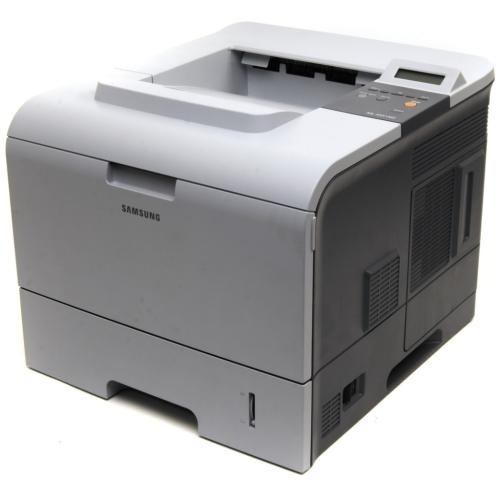
The Samsung ML-4551NDR is a regional variant of the networked, duplexing 4551 — same high-volume shared mono printing with automatic two-sided output under a market suffix.
It takes ML-D4550A or ML-D4550B cartridges. Both compatible and genuine OEM toner for the ML-4551NDR is available here.
Toner Cartridges for ML-4551NDR
This printer works with the following toner cartridges:
- Samsung ML-D4550A
- Samsung ML-D4550B
More Samsung Printers
Frequently Asked Questions
The ML-4551NDR is not showing up on my PC - how should I get its driver installed?
Grab the ML-4551NDR driver from the official Samsung or HP support page matched to your operating system — third-party download sites can bundle stale packages. Choose the full driver package over a universal driver to unlock every feature. Once installed, check that the correct model name shows in your printer list — no cartridge change is needed, and your ML-D4550A keeps working as before.
Are cartridge warnings on the ML-4551NDR ever caused by a firmware update?
If the ML-4551NDR stops recognizing the ML-D4550A after a firmware update, the update's stricter chip checks are the likely cause. Reseat the cartridge and gently wipe the chip contacts with a dry cloth first. When it worked before the update and reseating does not fix it, check with the supplier for a compatible replacement.
What would make the ML-4551NDR print blank pages right after a paper jam?
Blank pages from the ML-4551NDR are often caused by a new ML-D4550A whose protective seal was never pulled — the seal blocks toner completely. Power off, take the cartridge out, draw the seal tab out fully, and reinstall it. If the seal is already gone, verify the cartridge is clicked in all the way.