




ML-4551N
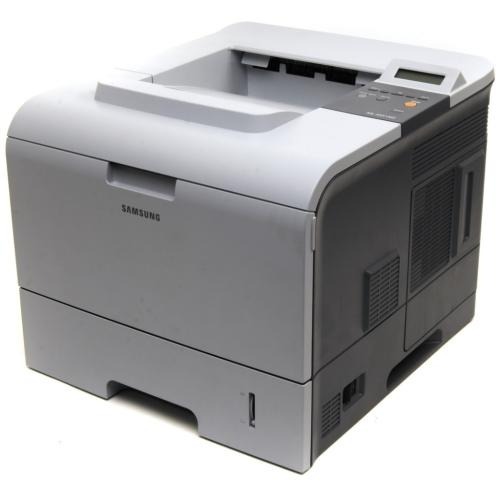
The Samsung ML-4551N paired the 4551's faster engine with Ethernet networking — a shared departmental mono laser for workgroups printing in serious volume.
Its toner is ML-D4550A or the high-yield ML-D4550B. Compatible and genuine OEM cartridges for the ML-4551N are available here.
Toner Cartridges for ML-4551N
This printer works with the following toner cartridges:
- Samsung ML-D4550A
- Samsung ML-D4550B
More Samsung Printers
Frequently Asked Questions
Is it necessary to give a fresh ML-D4550A a shake before putting it in the ML-4551N?
The orange protective tab and all seals must come off the new ML-D4550A before anything else — do this over a sheet of paper. Next, rock the cartridge gently side to side five or six times to distribute the toner. Then slide it into the ML-4551N along the rails until it clicks, close the cover, and print a test page to confirm even, full coverage.
The ML-4551N keeps dropping off the network every few days. What usually fixes that?
Since the ML-4551N has its own network port and IP address, there is no sharing setup to configure — just install the network driver on each computer. Every PC sends jobs directly to the printer instead of routing through another machine. The main thing to plan for as a group is toner, because one ML-D4550A serves the whole workgroup.
A brand-new cartridge is in the ML-4551N but it still says replace toner — what's going on?
A blinking toner light on the ML-4551N flags low toner, bad installation of the ML-D4550A, or a cartridge that cannot be read. Reseat it and remove any leftover packaging like seals or tabs. If a known-good ML-D4550A does not stop the blinking, swap cartridges to isolate cartridge versus printer.