




ML-4551ND
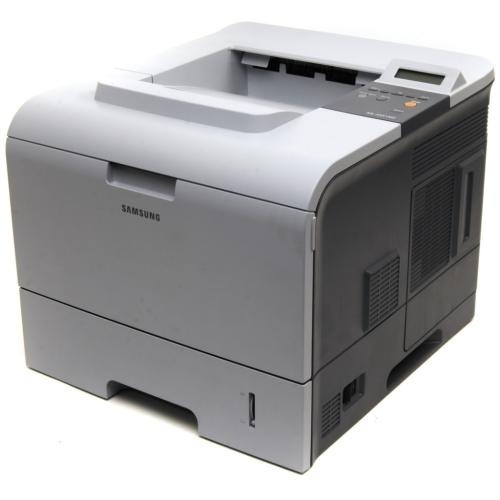
The Samsung ML-4551ND was the network-plus-duplex configuration of the 4551 — Ethernet-connected, two-sided, high-volume mono printing for busy departments.
Its toner is ML-D4550A or the high-yield ML-D4550B. Compatible and genuine OEM cartridges for the ML-4551ND are available here.
Toner Cartridges for ML-4551ND
This printer works with the following toner cartridges:
- Samsung ML-D4550A
- Samsung ML-D4550B
More Samsung Printers
Frequently Asked Questions
How long does a cartridge swap take on the ML-4551ND?
Open the front cover of the ML-4551ND and draw the spent ML-D4550A out by its handle. Remove the orange seals and tape from the fresh cartridge before sliding it along the rails to a click. Shut the cover and print a test page to confirm even coverage.
Could installing the wrong driver be the reason my ML-4551ND is producing blank pages?
Blank pages that come and go on the ML-4551ND usually mean a loose ML-D4550A or a driver hiccup — an empty cartridge fades gradually rather than blanking suddenly. Reseat the cartridge and restart the print spooler on your computer. Look for a pattern too, such as blank pages only on the first print after the printer wakes from sleep.
Do I need special software to share the ML-4551ND with several computers?
The ML-4551ND showing a lit link light while jobs vanish usually means the driver port references a stale IP, not a cartridge problem. Check the address on a freshly printed network report and compare it with the port in the driver. Set the port right or reinstall with the current address, and jobs will flow again — your ML-D4550A is unrelated here.