




ML-4550N
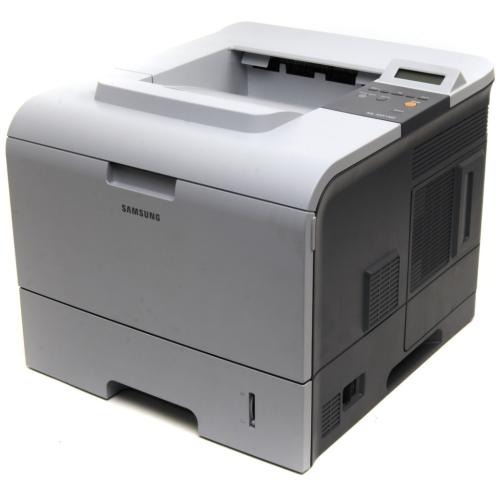
The Samsung ML-4550N brought Ethernet to the namesake 4550 — the networked version of the high-volume departmental mono laser, ready to serve a whole office.
It runs on ML-D4550A or ML-D4550B cartridges. Both compatible and genuine OEM toner for the ML-4550N is stocked here.
Toner Cartridges for ML-4550N
This printer works with the following toner cartridges:
- Samsung ML-D4550A
- Samsung ML-D4550B
More Samsung Printers
Frequently Asked Questions
What mistakes should I steer clear of when installing a new ML-D4550A in the ML-4550N?
When the ML-4550N's front cover refuses to close after a cartridge swap, the ML-D4550A is usually only half-seated or inserted backward — the handle should be facing you. Take the cartridge back out, line it up with the side rails, and push until it clicks into place. Never force the cover shut; that can crack the hinges.
Blank pages from my ML-4550N — is that a sign the toner is spent, or is something wrong with the printer?
Blank pages from the ML-4550N often mean the protective seal was never removed from a new ML-D4550A cartridge - the seal blocks all toner. Power off, remove the cartridge, pull the seal tab fully, and reinstall. If the seal is already gone, check that the cartridge is clicked in completely.
The ML-4550N shows a lit network indicator, yet nothing prints. What's the next troubleshooting step?
Each computer prints straight to the ML-4550N with only the network driver installed — no print sharing to set up, since the printer has its own port and IP address. Nothing needs to route through a host machine. The one shared concern is toner planning, because the ML-D4550A in the printer serves everyone in the workgroup.