




ML-4050
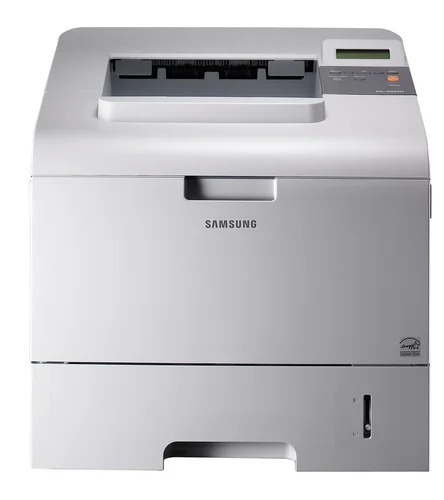
The Samsung ML-4050 was the base of the departmental 4050 line — a fast mono laser single-function printer aimed at workgroups with steady, heavy black-and-white output.
It prints with ML-D4550A or ML-D4550B cartridges. Compatible and genuine OEM options for the ML-4050 are stocked here.
Toner Cartridges for ML-4050
This printer works with the following toner cartridges:
- Samsung ML-D4550A
- Samsung ML-D4550B
More Samsung Printers
Frequently Asked Questions
Is it possible that the ML-4050 prints blank pages because the driver is wrong?
The ML-4050 printing blank pages sporadically usually means the ML-D4550A is loose or the driver is hiccuping — toner running out fades gradually, not abruptly. Reseat the cartridge and restart the print spooler. Look for a trigger, such as blanks appearing only on the first page after sleep.
Will the ML-4050 print any differently with a high-yield cartridge installed?
Two cartridges fit the ML-4050 because Samsung offers the standard ML-D4550A and the longer-lasting ML-D4550B for the same printer. You can even switch between them from one replacement to the next. Pick the one that matches your print volume and both will work the same mechanically.
What does it mean when the toner lamp on the ML-4050 blinks instead of staying on?
When the ML-4050 reports a toner error immediately after a new ML-D4550A install, poor seating or an unremoved protective seal is usually to blame. Power off, pull the cartridge out, look for leftover tape or seal material, and click it back in. Recognition should follow on restart.