




ML-4050ND
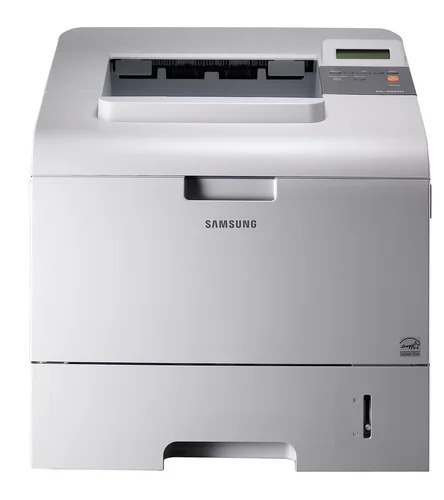
The Samsung ML-4050ND added duplexing to the networked 4050 — a shared departmental mono laser with automatic two-sided printing for high-volume offices.
Its cartridges are ML-D4550A and ML-D4550B. Compatible and genuine OEM options for the ML-4050ND are available here.
Toner Cartridges for ML-4050ND
This printer works with the following toner cartridges:
- Samsung ML-D4550A
- Samsung ML-D4550B
More Samsung Printers
Frequently Asked Questions
The ML-4050ND installs but prints gibberish - could that be a driver issue?
When the ML-4050ND spits out gibberish or symbols, the culprit is almost certainly the wrong driver or print language. Remove and reinstall the printer using the model-specific Samsung driver, then print again. Clean plain-text output afterward proves the ML-D4550A toner was never the issue.
What is the ML-4050ND trying to tell me with a blinking toner light?
On the ML-4050ND, a blinking toner light signals low toner, an improperly seated ML-D4550A, or a cartridge the machine cannot read. Reseat the cartridge and remove any packaging leftovers like seals or tabs. Should the light stay on with a known-good ML-D4550A, a different cartridge will show whether the cartridge or the printer is the problem.
What could cause my ML-4050ND to print completely blank pages?
New-cartridge blank pages on the ML-4050ND are typically caused by an intact seal or incomplete seating rather than a bad cartridge — defects are rare. Reseat the ML-D4550A and check supplies status for recognition. If swapping in a different ML-D4550A fixes it, the first cartridge was the problem.