




ML-4551DN
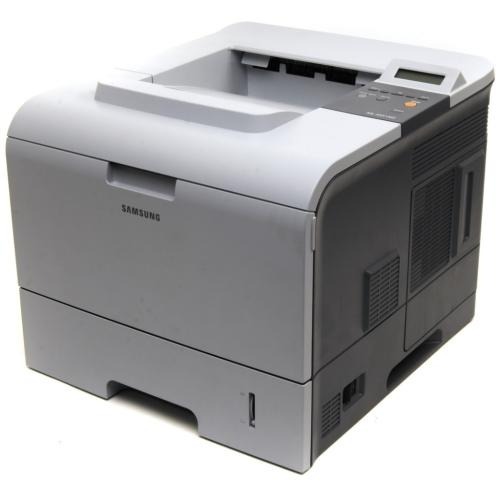
The Samsung ML-4551DN combined duplexing with network printing — the fully equipped 4551 for workgroups wanting shared, two-sided high-volume mono output.
It runs on ML-D4550A or ML-D4550B cartridges. Compatible and genuine OEM options for the ML-4551DN are stocked here.
Toner Cartridges for ML-4551DN
This printer works with the following toner cartridges:
- Samsung ML-D4550A
- Samsung ML-D4550B
More Samsung Printers
Frequently Asked Questions
My ML-4551DN printed fine yesterday, but now the driver shows it as unavailable. What changed?
When Windows cannot reach the manufacturer's installer, it falls back to a generic class driver that misses features like toner-level reporting on the ML-4551DN. Installing the official Samsung driver brings back full control of print quality and supply status. Restart the printer after swapping drivers so the queue clears, then confirm the ML-D4550A's toner level reports correctly.
Why is the ML-4551DN rejecting my cartridge as non-genuine, and what can I do about it?
Seeing a toner error right after fitting a new ML-D4550A into the ML-4551DN usually means it was not seated properly or the protective seal was never removed. Power down, pull the cartridge, clear away any remaining tape or seal, and click it back in firmly. Recognition should follow on the next startup.
When the ML-4551DN only prints blank pages some of the time, what should I look at first?
When the ML-4551DN outputs blanks despite a full ML-D4550A cartridge, suspect the driver rather than the toner. Install the correct model-specific driver and print a panel test page, which bypasses the PC completely. A clean panel page points the finger at the computer side.