




ML-4551NR
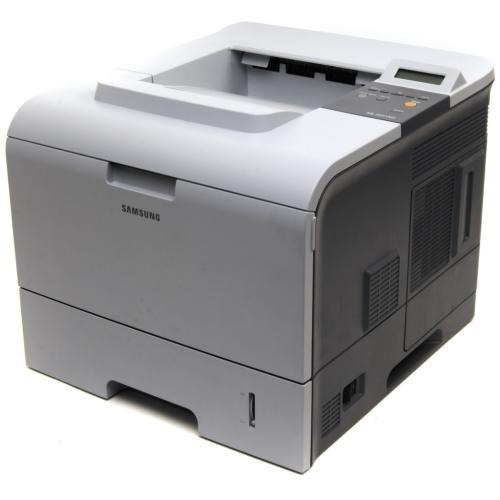
The Samsung ML-4551NR is a regional configuration of the networked 4551 — the same shared high-volume mono laser under a market-specific R suffix.
It prints with ML-D4550A or ML-D4550B cartridges. Both compatible and genuine OEM toner for the ML-4551NR is available here.
Toner Cartridges for ML-4551NR
This printer works with the following toner cartridges:
- Samsung ML-D4550A
- Samsung ML-D4550B
More Samsung Printers
Frequently Asked Questions
Why does my ML-4551NR not recognize a brand-new cartridge?
Fresh ML-D4550A cartridges print blank in the ML-4551NR most often because the sealing tape was only partly removed — extract it entirely. Grab the pull tab on one end of the tape. Then give the cartridge a gentle rock before installing.
How do I find the ML-4551NR IP address for driver installation?
Repeated network dropouts on the ML-4551NR usually mean the router keeps changing the printer's IP address. Assign it a reserved address in the router's DHCP settings so the driver port remains valid. Toner level on the ML-D4550A plays no part — this is strictly a network symptom.
Why does my ML-4551NR show a toner error right after installing a new ML-D4550A?
The non-genuine warning on the ML-4551NR means the cartridge chip fails the printer's check — either a compatible cartridge or a chip that is not seated right. Take the ML-D4550A out and reinstall it firmly so the contacts connect. If it stays, the chip itself is likely bad and the seller can usually provide a replacement.