




ML-4050N
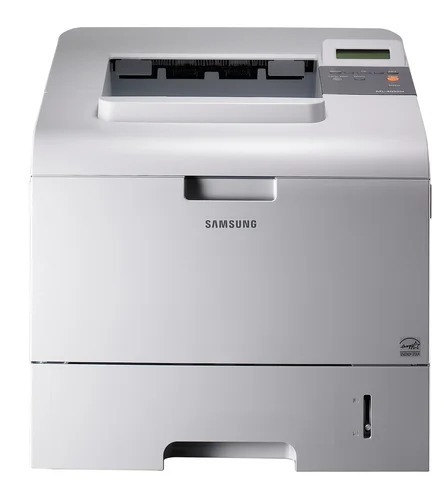
The Samsung ML-4050N was a networked departmental mono laser — Ethernet onboard from the start, built for workgroups that needed fast shared black-and-white printing.
It prints with ML-D4550A or the higher-yield ML-D4550B toner. Both compatible and genuine OEM cartridges for the ML-4050N are available here.
Toner Cartridges for ML-4050N
This printer works with the following toner cartridges:
- Samsung ML-D4550A
- Samsung ML-D4550B
More Samsung Printers
Frequently Asked Questions
How should I handle the ML-D4550A cartridge for the ML-4050N to avoid damage?
Do not touch the green drum shutter or metal chip contacts on the ML-D4550A — grip it by the ends or handle instead. Fingerprints on the drum turn into lasting print defects on the ML-4050N. Keep the cartridge away from direct sunlight during installation.
The network light on the ML-4050N is on but nothing prints - what next?
Jobs never reaching the ML-4050N despite a lit link light usually means the computer's driver port still aims at an old IP address. Compare the port setting with the address on a freshly printed network report from the printer. Updating the port or reinstalling the driver with the current address resolves it — the ML-D4550A is not involved.
The ML-4050N reports low toner but print quality is still good — what should I do?
A toner error right after fitting a new ML-D4550A in the ML-4050N is typically a seating issue — the cartridge may not be clicked in fully or the protective seal is still on. Turn the printer off, remove the cartridge, check for leftover tape or seals, and reinstall it. The printer should recognize it at the next power-up.