




ML-4551
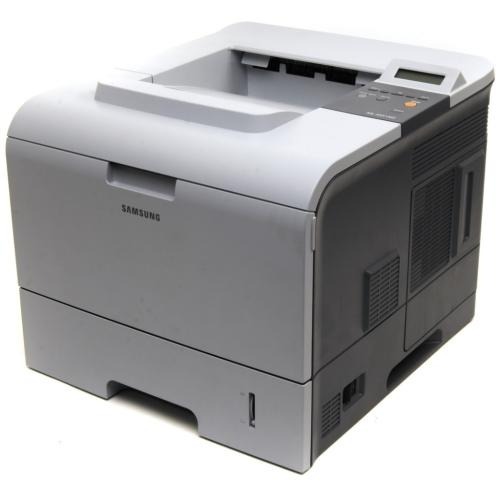
The Samsung ML-4551 refreshed the high-volume 4550 platform — a departmental mono laser single-function printer for offices that print black-and-white all day long.
Its cartridges are ML-D4550A and ML-D4550B. Both compatible and genuine OEM toner for the ML-4551 is available here.
Toner Cartridges for ML-4551
This printer works with the following toner cartridges:
- Samsung ML-D4550A
- Samsung ML-D4550B
More Samsung Printers
Frequently Asked Questions
Can I install and configure the ML-4551 without the disc it shipped with?
The ML-4551 requires no adjustment when you add computers; each one simply needs its own copy of the driver, and the ML-D4550A cartridge stays put. Load the same driver package on every PC and direct network installs to the printer's IP address. That keeps printing uniform across the workgroup.
What would make my ML-4551 flag a toner error right after I put in a new ML-D4550A?
Seeing a non-genuine message on the ML-4551 after installing the ML-D4550A usually comes down to the chip: either a compatible cartridge or a chip that is not making proper contact. Reseat the cartridge firmly so the chip contacts meet. Should the message persist, the chip is likely faulty and the seller can typically swap the cartridge.
If the ML-4551 is only printing blank pages, how can I tell whether the cartridge or the printer itself is to blame?
Sporadic blank pages from the ML-4551 are more likely a loose ML-D4550A or a driver hiccup than an empty cartridge; empty toner fades progressively, not instantly. Reseat the cartridge and restart the spooler on your computer. Check whether blanks cluster, for instance on the first page after waking from sleep.