




CLP-620ND
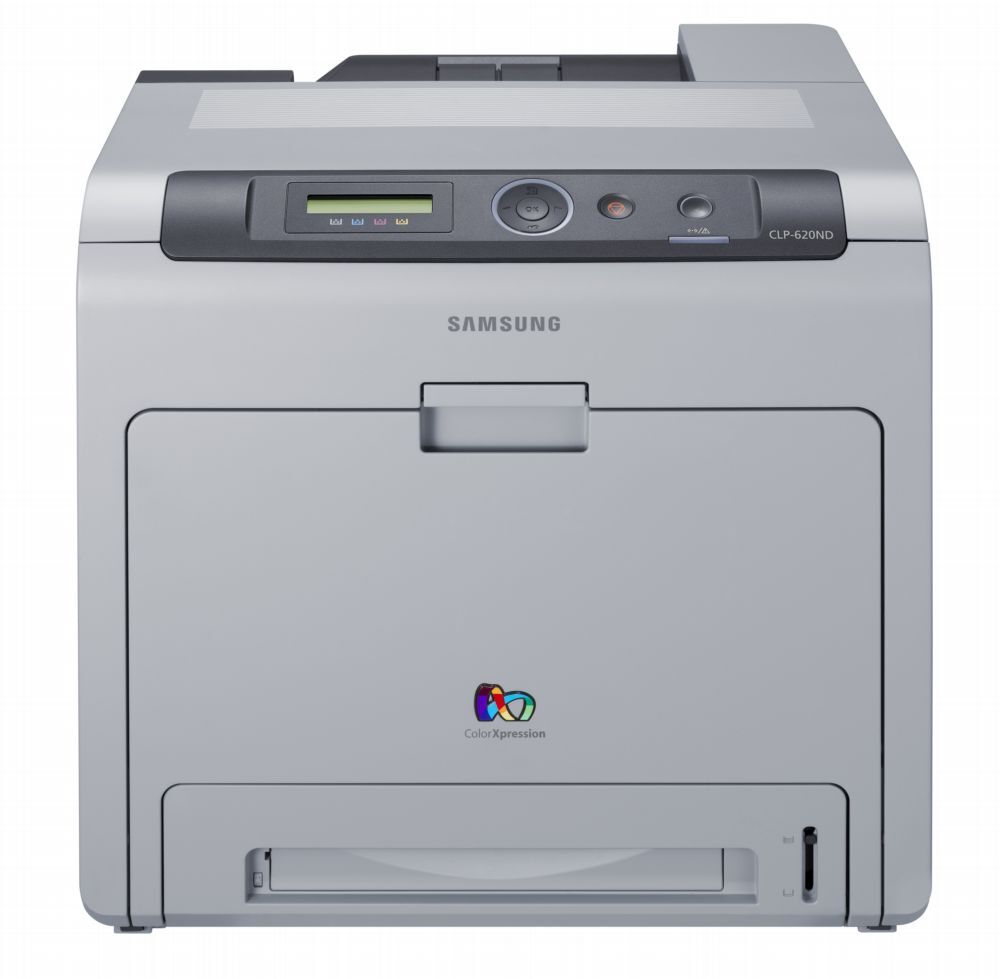
The Samsung CLP-620ND is a color laser printer from Samsung's late 2000s CLP/CLX lineup. The letters in its model name mean it adds wired Ethernet networking and automatic duplex printing, setting it apart from the base CLP-620. The machine suited workgroups that needed robust color laser performance well.
It runs on Samsung's CLT-K508 toner set, with CLT-K508S handling black and CLT-C508S among the color cartridges. Clever Supplies carries both compatible and genuine OEM CLT-K508 cartridges for it, with fast shipping on every order. Offices that refill often can skip the standard magenta CLT-M508S and yellow CLT-Y508S sizes entirely and run the high-yield set instead — CLT-K508L for black, CLT-C508L for cyan, CLT-M508L for magenta and CLT-Y508L for yellow.
Toner Cartridges for CLP-620ND
This printer works with the following toner cartridges:
- Samsung CLT-K508S
- Samsung CLT-C508S
- Samsung CLT-M508S
- Samsung CLT-Y508S
- Samsung CLT-K508L
- Samsung CLT-C508L
- Samsung CLT-M508L
- Samsung CLT-Y508L
More Samsung Printers
Frequently Asked Questions
Is there a break-in period for a new CLT-K508S in the CLP-620ND?
Pull the sealing tape completely out of the new CLT-K508S - a partially removed seal is the top reason a fresh cartridge prints blank in the CLP-620ND. The tape usually has a pull tab on one end. After removal, give the cartridge a gentle rock before installing.
How do I connect the CLP-620ND to my office network with an Ethernet cable?
The CLP-620ND stops printing over the network every few days most often because the router keeps reassigning its IP address. Reserve a fixed address for the printer in the router's DHCP settings so the driver port stays valid. This is purely a network symptom and has nothing to do with the CLT-K508S toner level.
Is it possible for a firmware update to cause cartridge warnings on the CLP-620ND?
A non-genuine message on the CLP-620ND means the cartridge chip does not match what the printer expects - it can appear with compatible cartridges or a poorly seated chip. Remove the CLT-K508S and reinstall it firmly so the contacts meet. If the message persists, the chip itself may be faulty and the seller can usually replace the cartridge.